
SSH Remote Development
Experimental
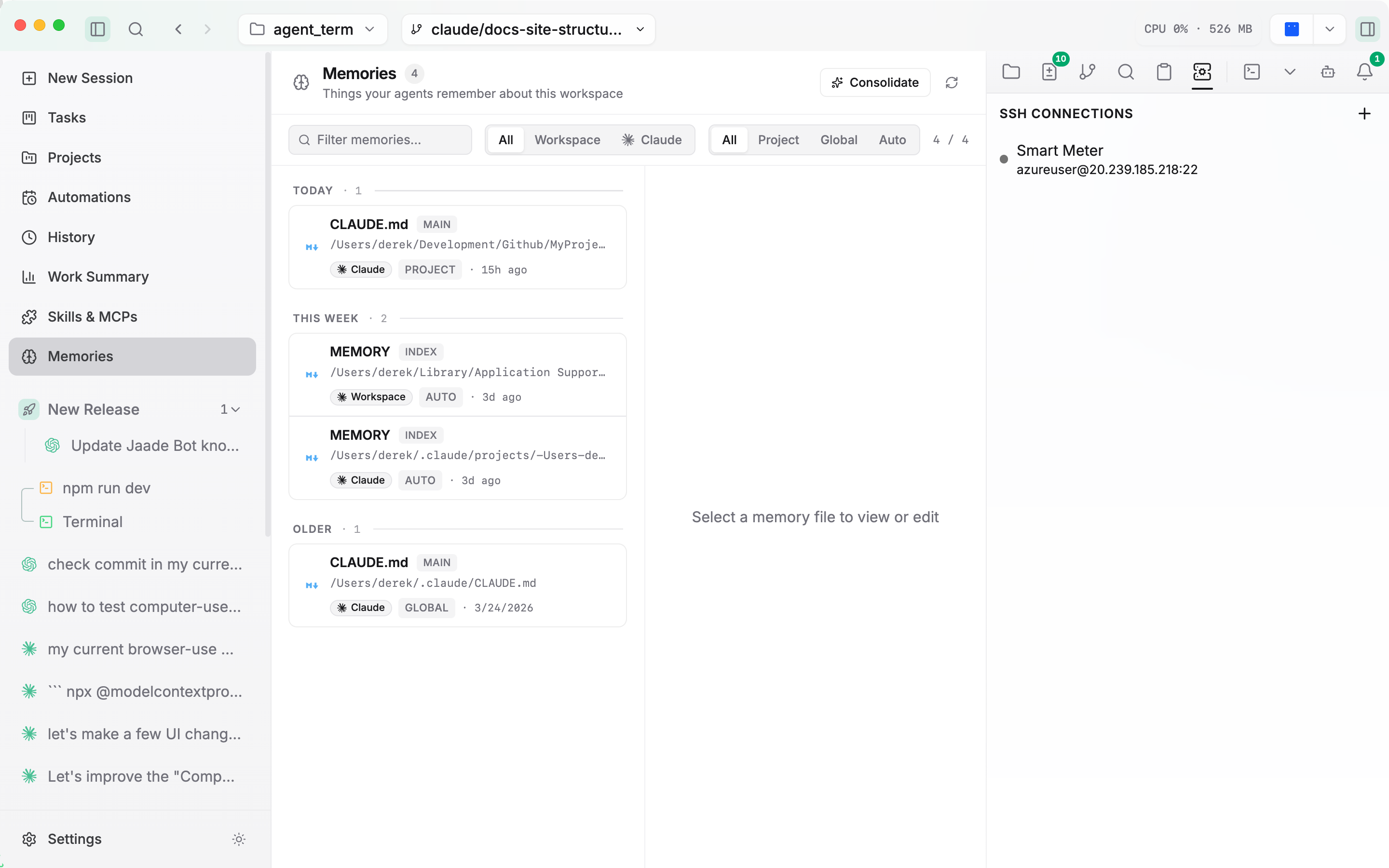
SSH remote development is an experimental feature. Enable it under Settings → Features → Enable SSH — it requires an app restart after toggling. When on, an SSH Connections panel appears in the right rail.
With SSH on, Jaade can work against remote hosts: open remote terminals and browse and edit remote files over SFTP, without leaving the workspace.
Connections
The SSH Connections panel in the right rail is where you manage hosts. From its context menu you can add, edit, and remove connections. Connections are grouped, and opening a remote terminal reuses an aux pane per connection group.
Remote terminals
Open a remote terminal on any configured connection. It behaves like a local terminal — same tabs, splits, and appearance — but the shell runs on the remote host.
Remote files
Browse the remote filesystem over SFTP and open remote files in the file viewer. Remote text files can be viewed and edited just like local ones.
Related
- Terminal — local terminals and shared appearance settings.
- Features configuration — enabling SSH and the restart requirement.