

Supervise
Controls on every session
Pick the agent, model, reasoning effort, permission mode, and plan mode before a task starts, and answer approvals in the session instead of in a raw terminal prompt.
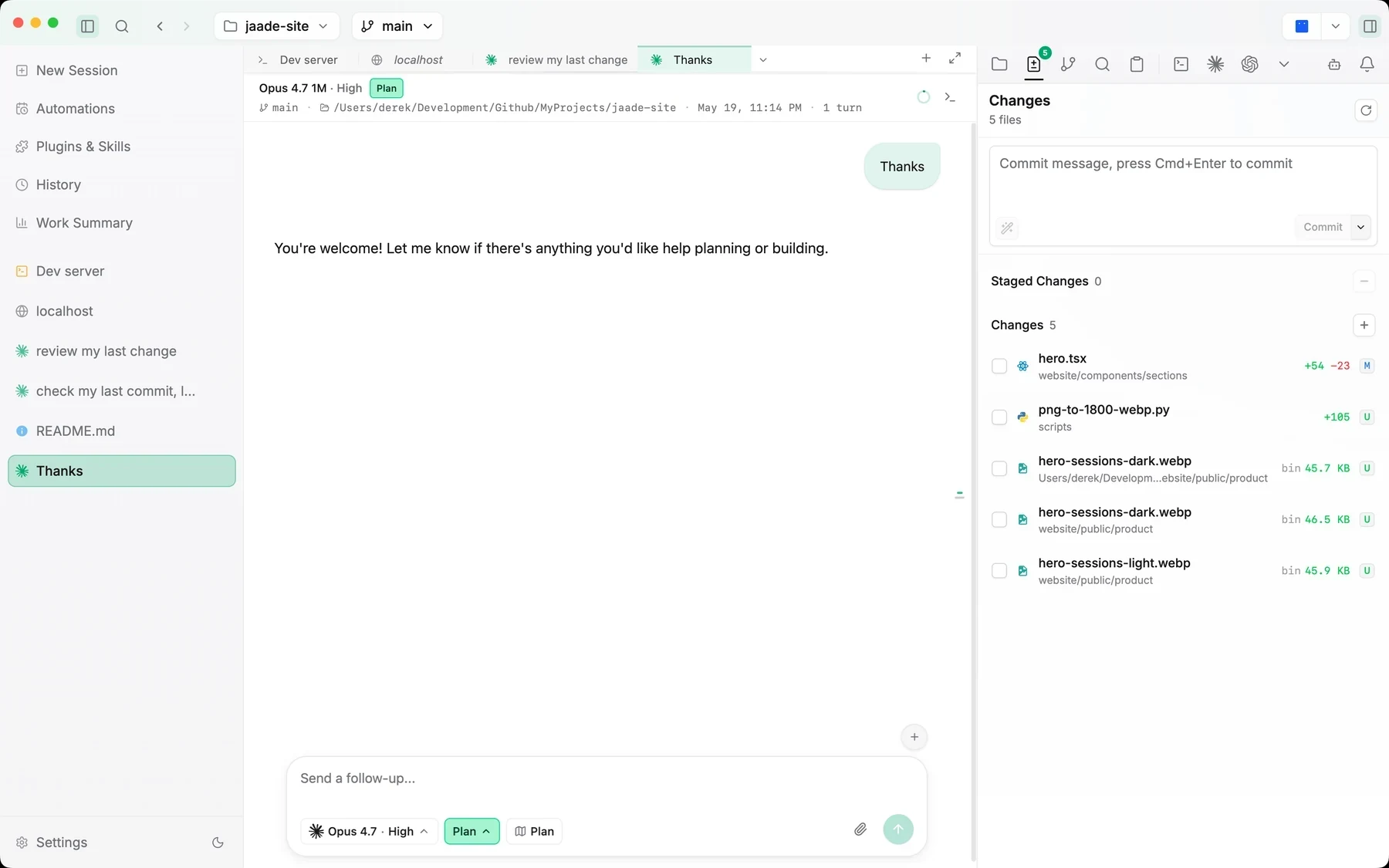
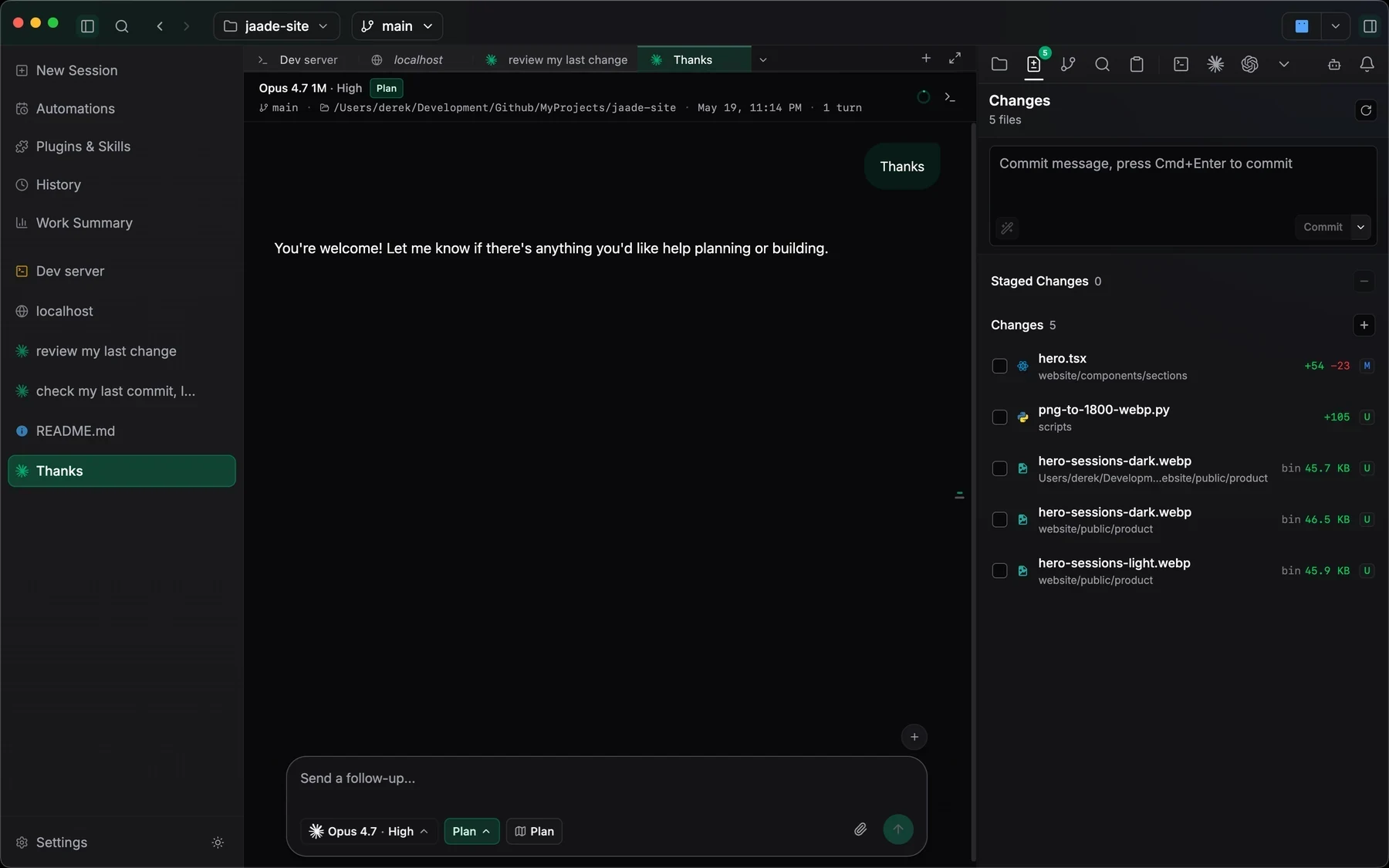
Jaade vs Orca, two desktop apps for coding agents: Orca fans one prompt across many agents; Jaade supervises, reviews, and resumes each run.
Orca and Jaade are both local desktop apps that drive the coding agents you already pay for — neither resells model access. Orca is an agent orchestrator built around fanning one prompt across many CLI agents, each in its own git worktree. Jaade is an agentic development environment built around the delegated run: configuring each session, supervising its permissions, reviewing its diff, and resuming it later, with projects that coordinate worker agents, workflows, schedules, a plugin, skill, and MCP catalog, and Buddy, a proactive assistant, alongside.
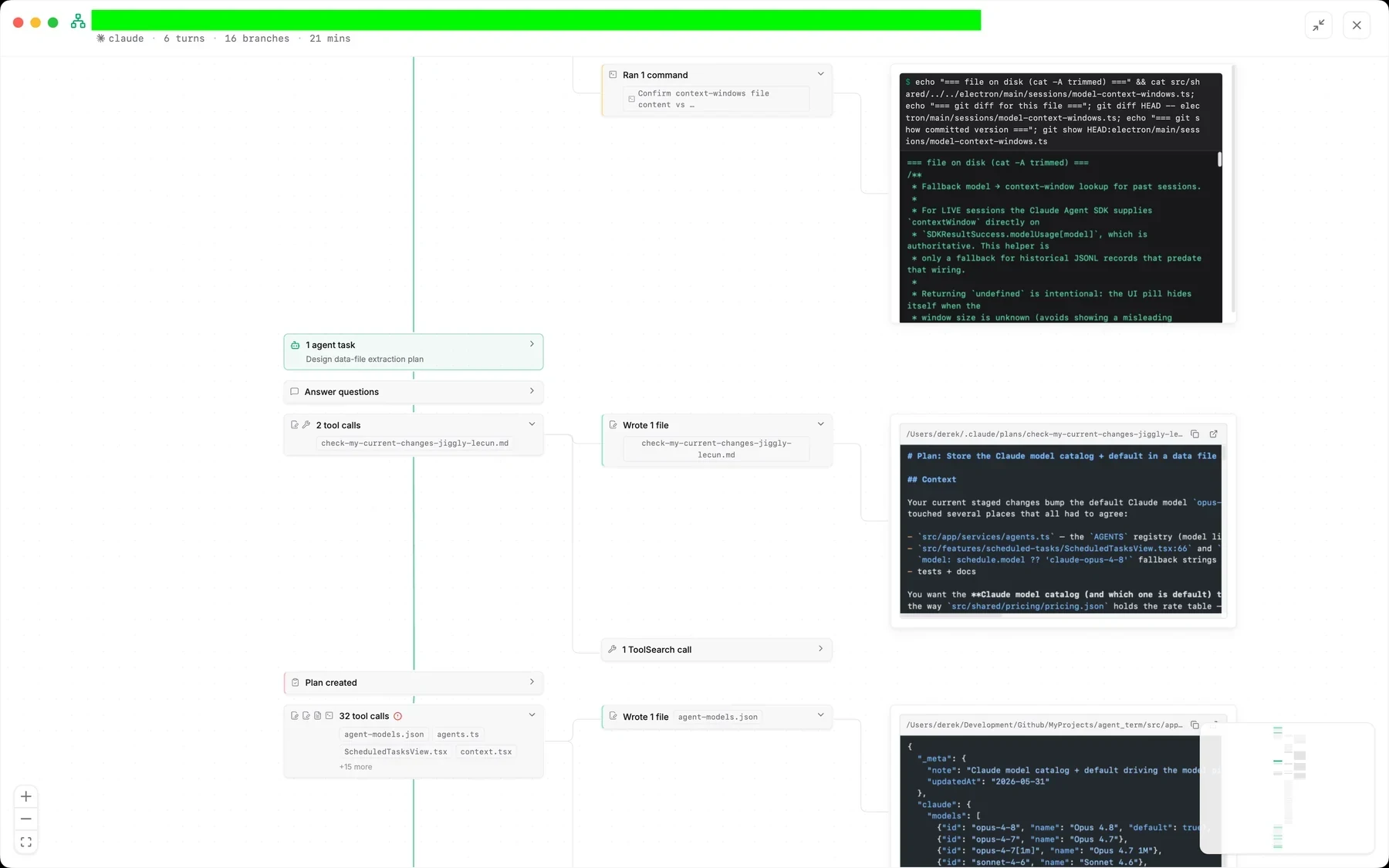
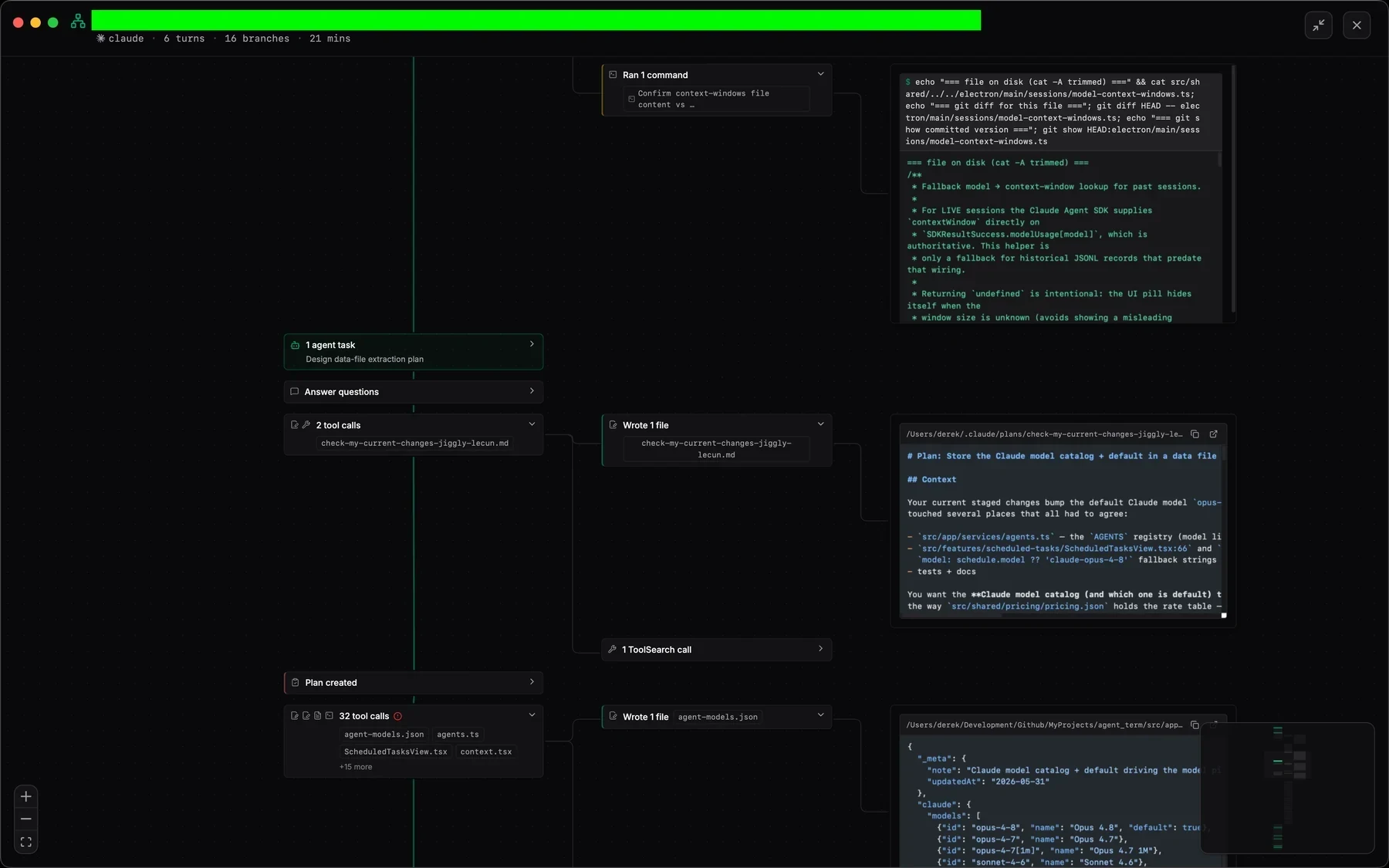
Pick the agent, model, reasoning effort, permission mode, and plan mode before a task starts, and answer approvals in the session instead of in a raw terminal prompt.
Each session's changed files, diffs, staging, commits, and pull requests sit beside the conversation, and runs can stay isolated in their own git worktree.
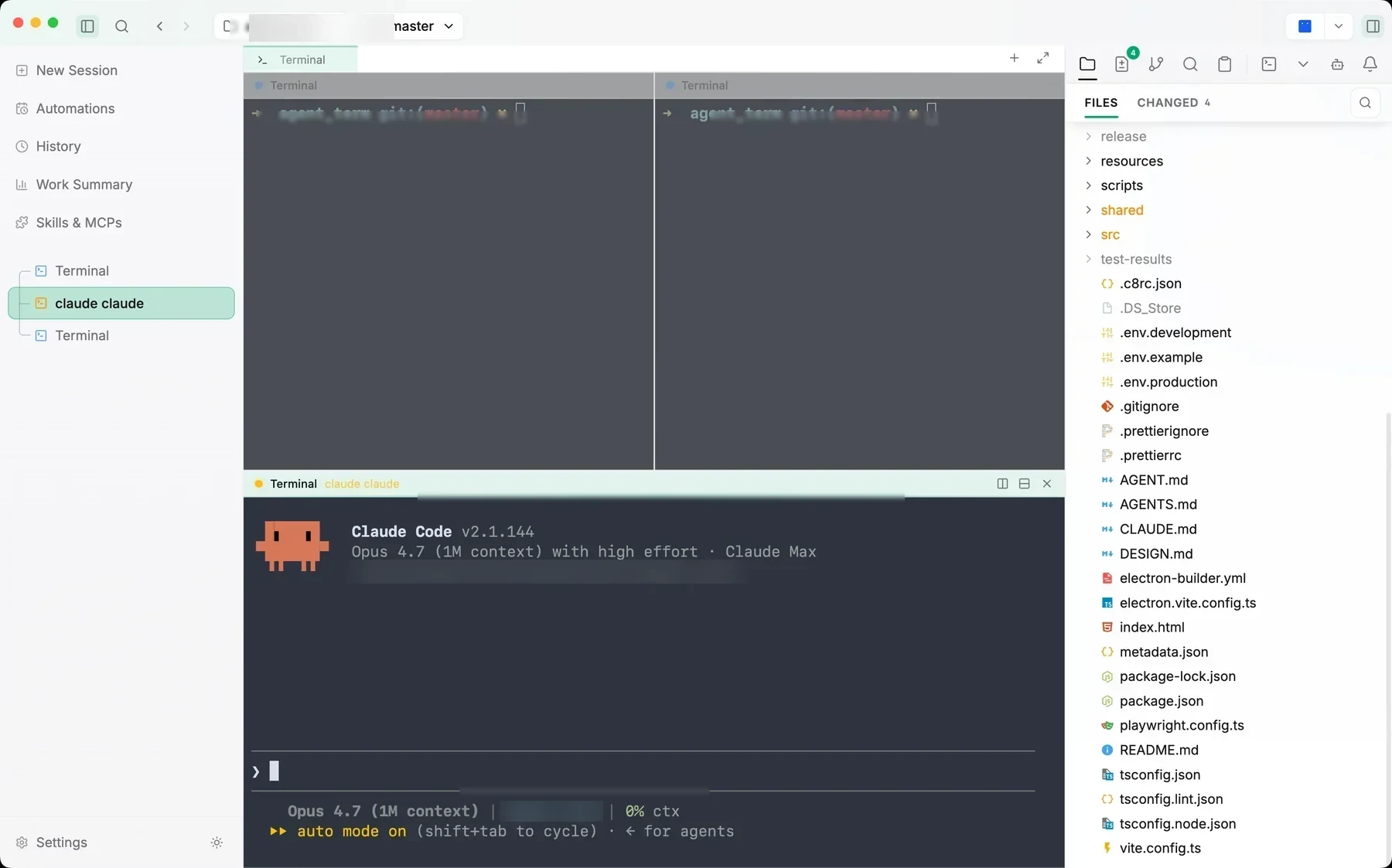
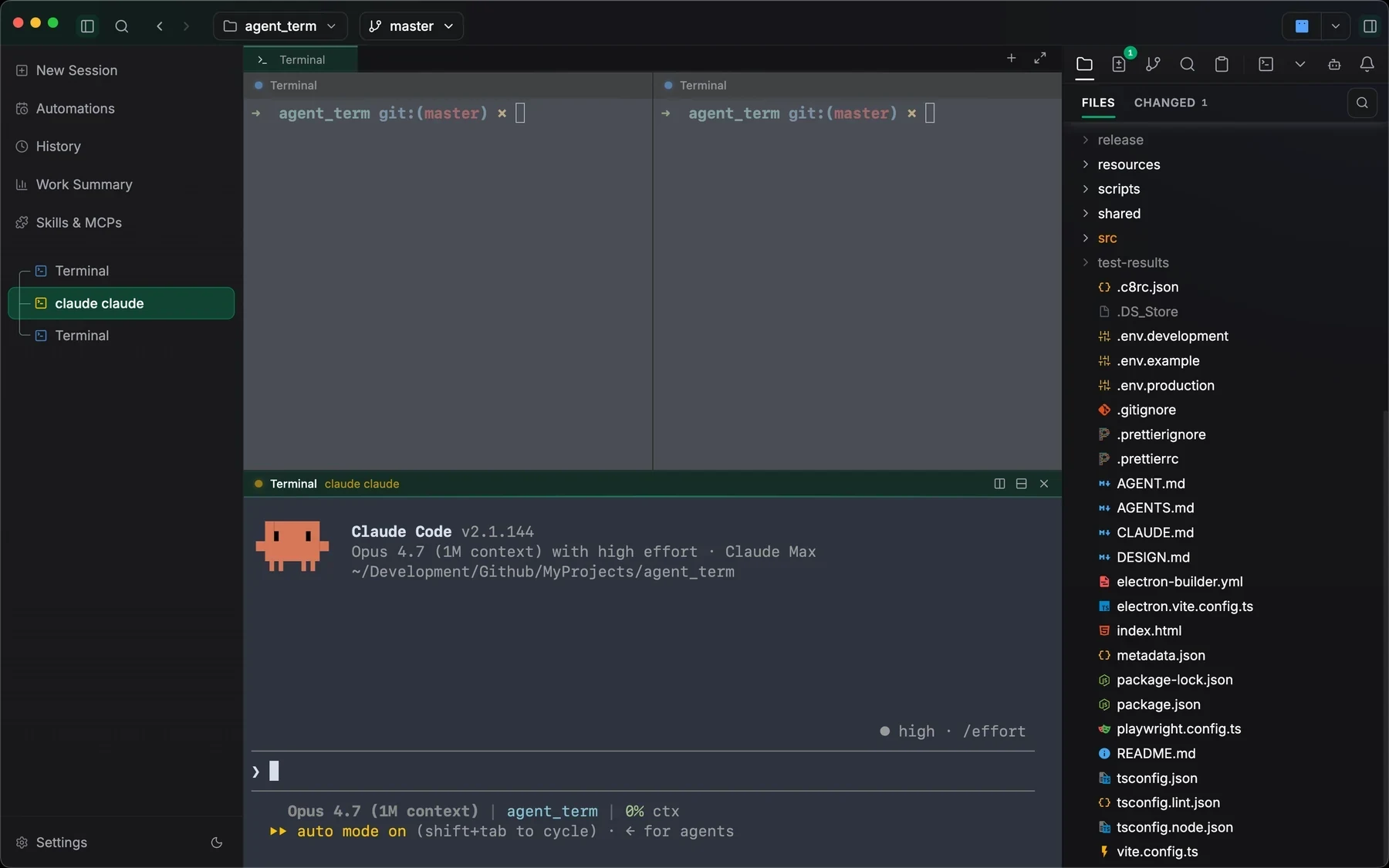
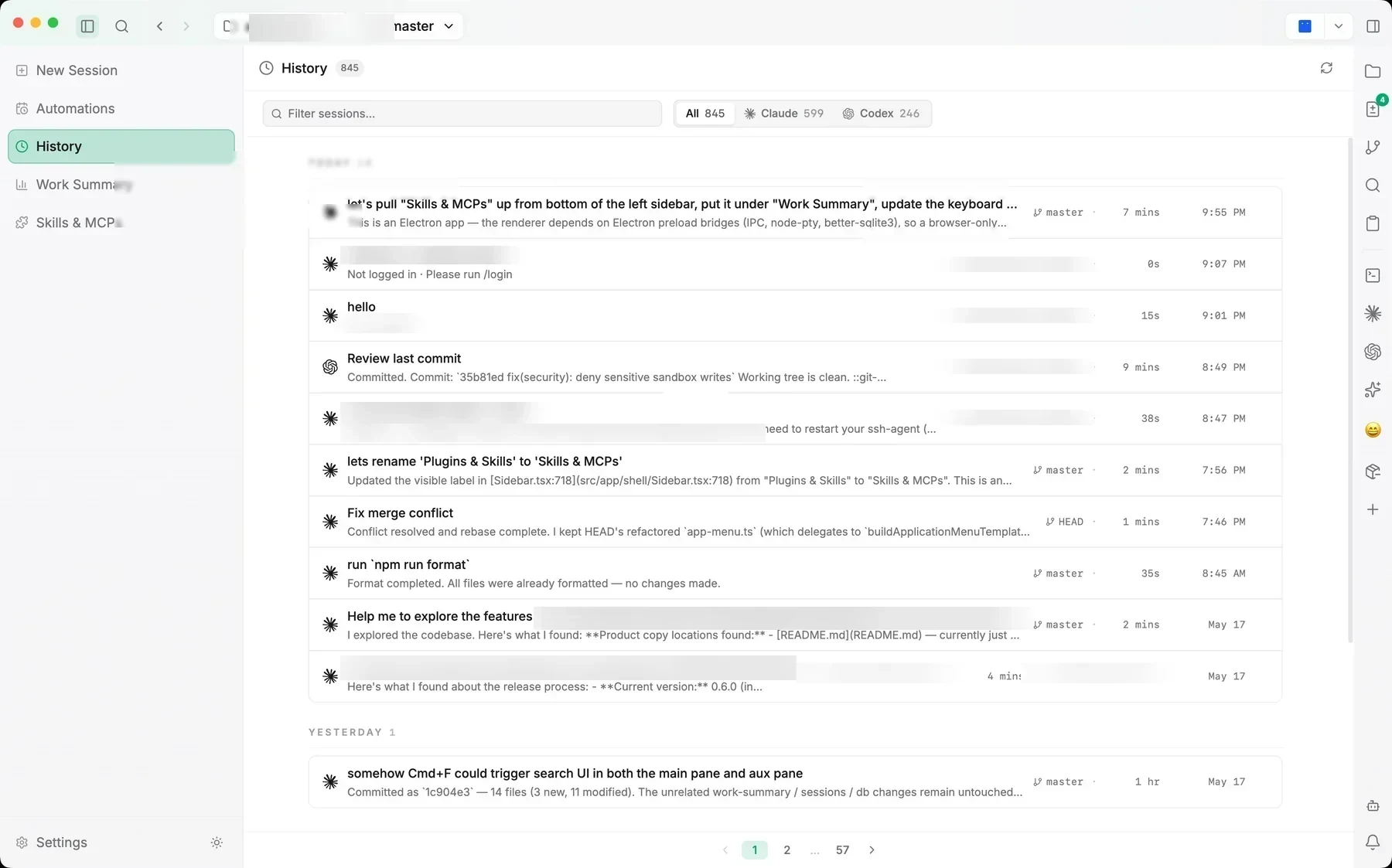
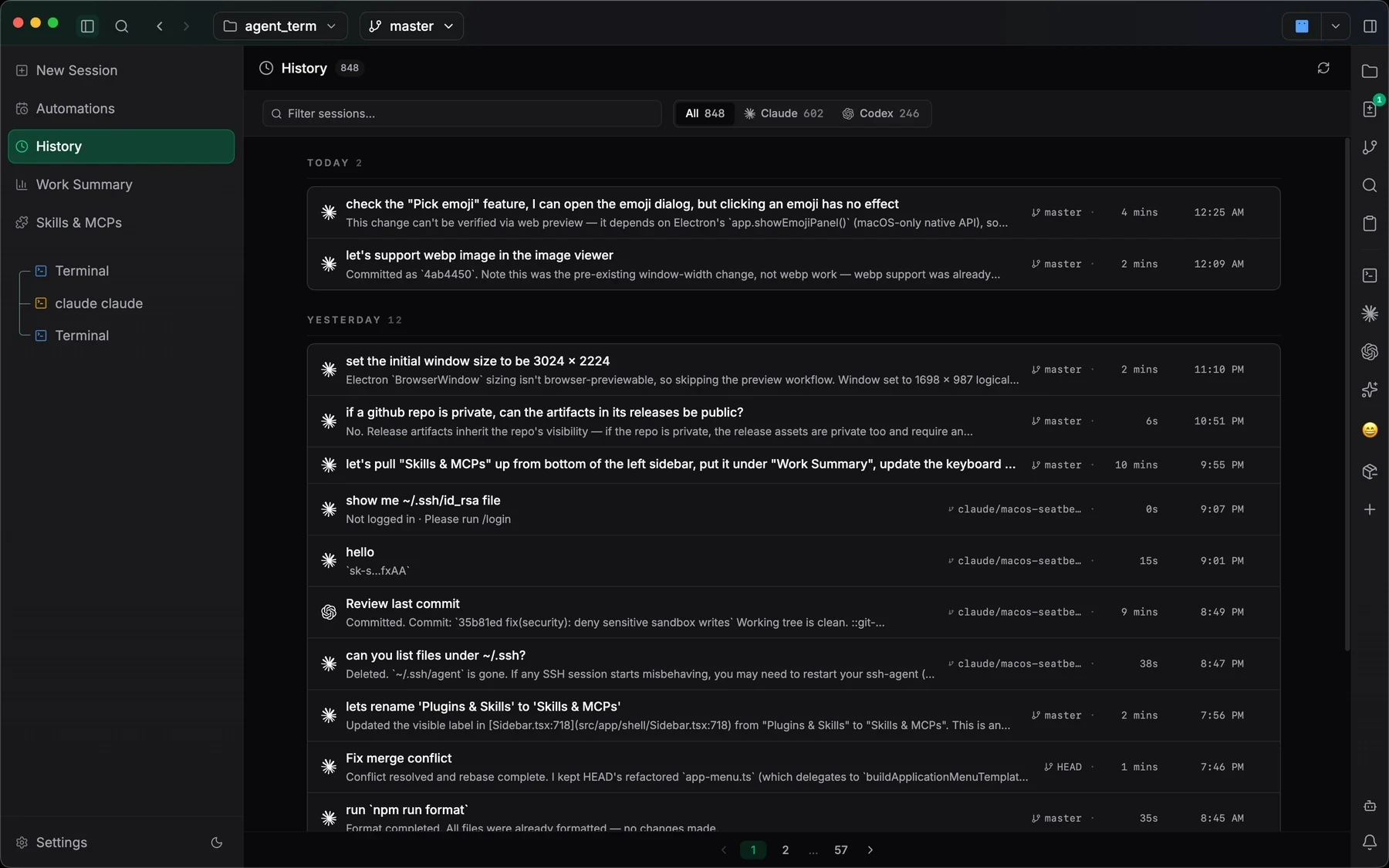
Past sessions keep their prompt, model, branch, and files, so you can reopen a run days later or hand a finished chat off to another agent with a written brief.
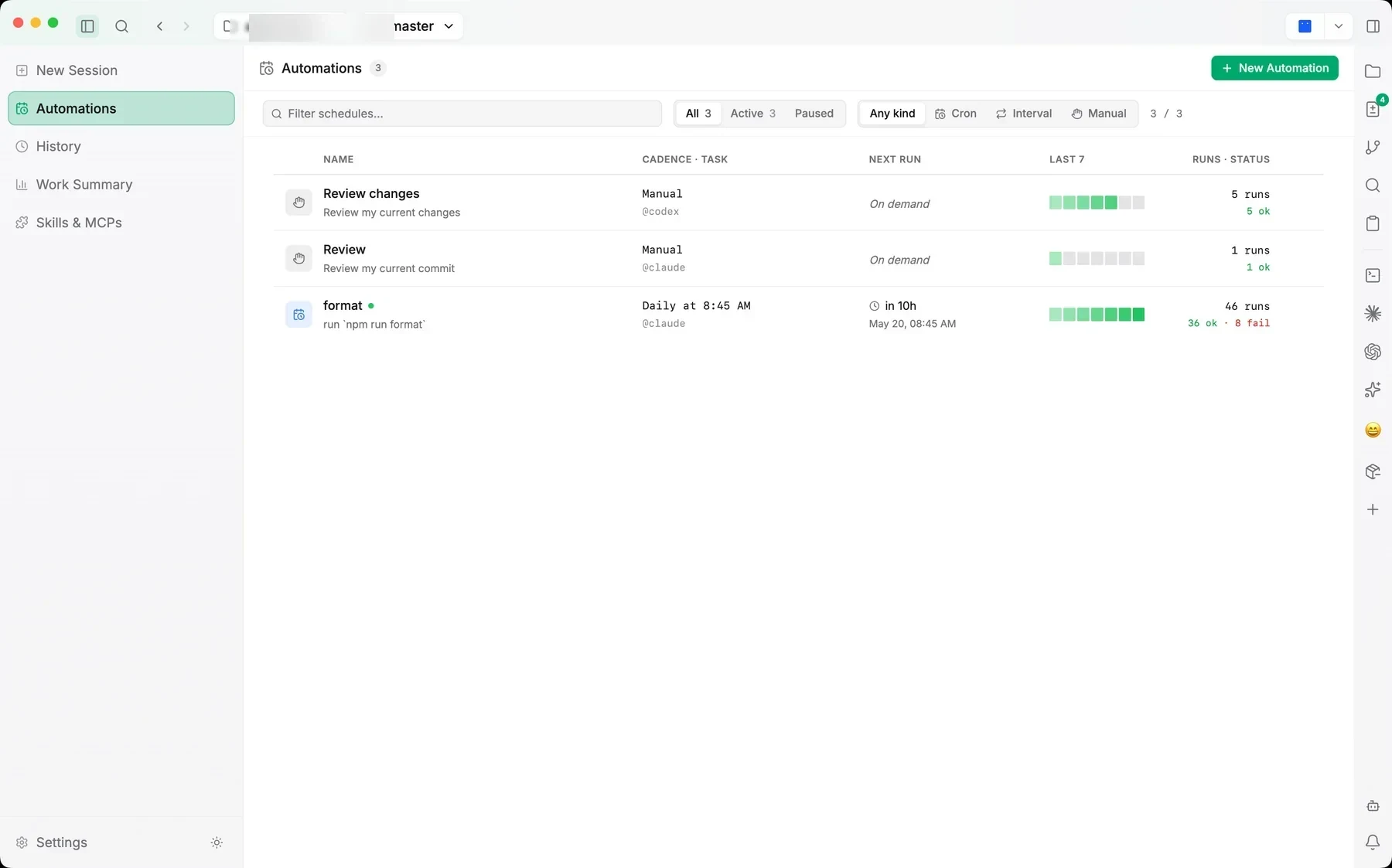
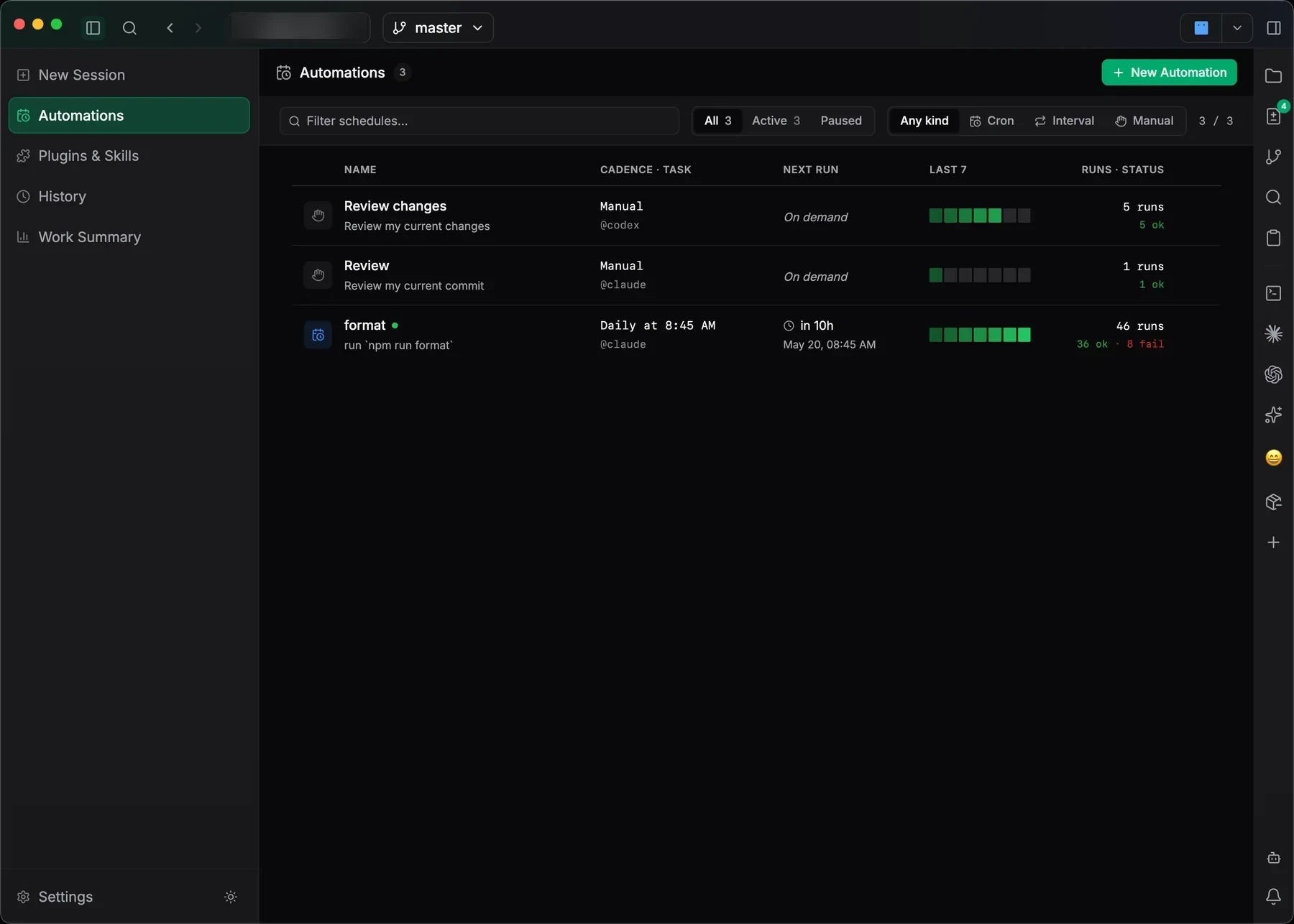
Chain agent steps into visual workflows with approvals and waits, and turn repeatable prompts into scheduled tasks that run on their own.
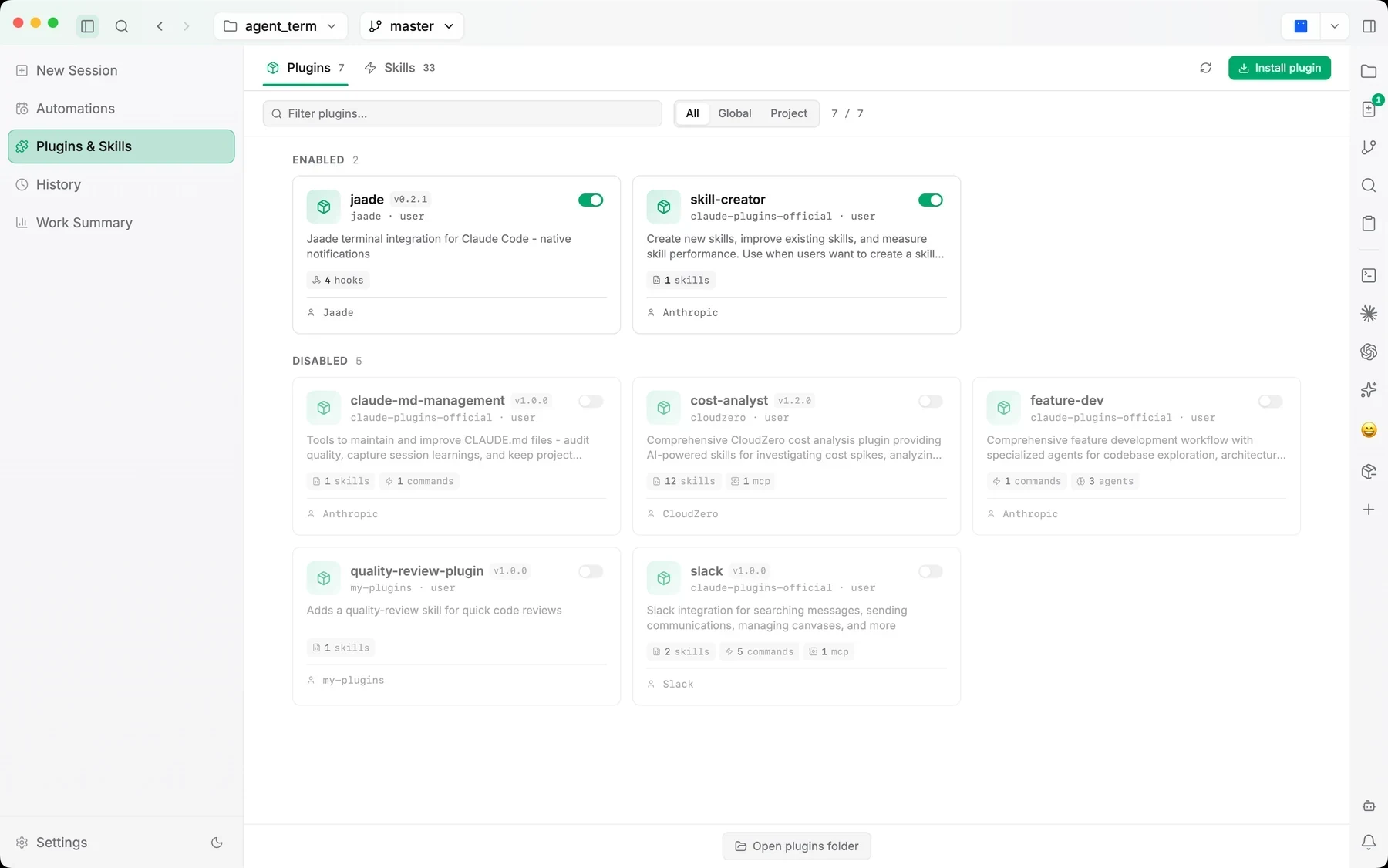
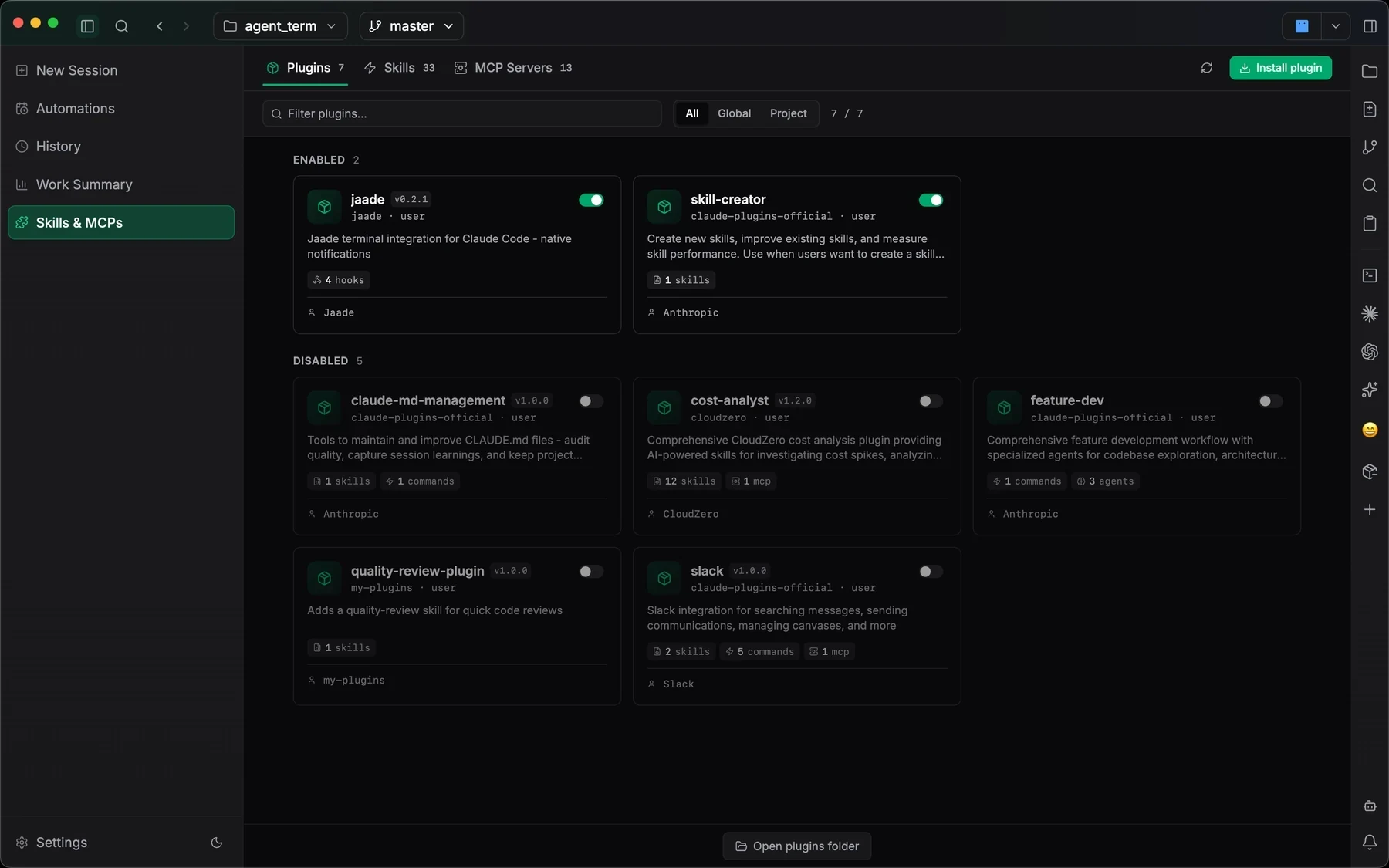
Install and manage Claude plugins, Codex plugins, Agent Skills, and MCP servers from one view, with per-server sign-in and status.
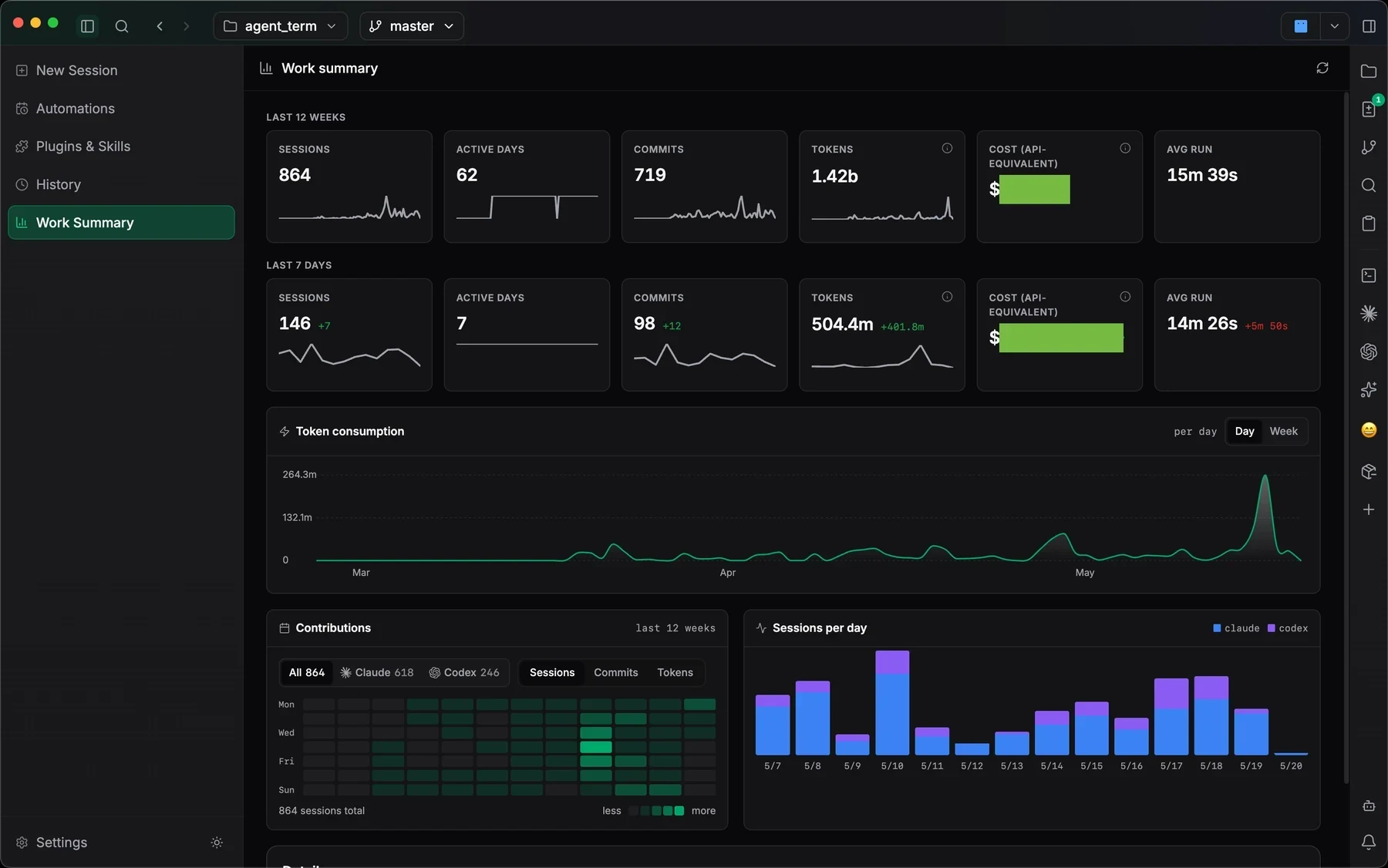
See commits, duration, token usage, and agent mix across every session, instead of reconstructing what happened from terminal scrollback.
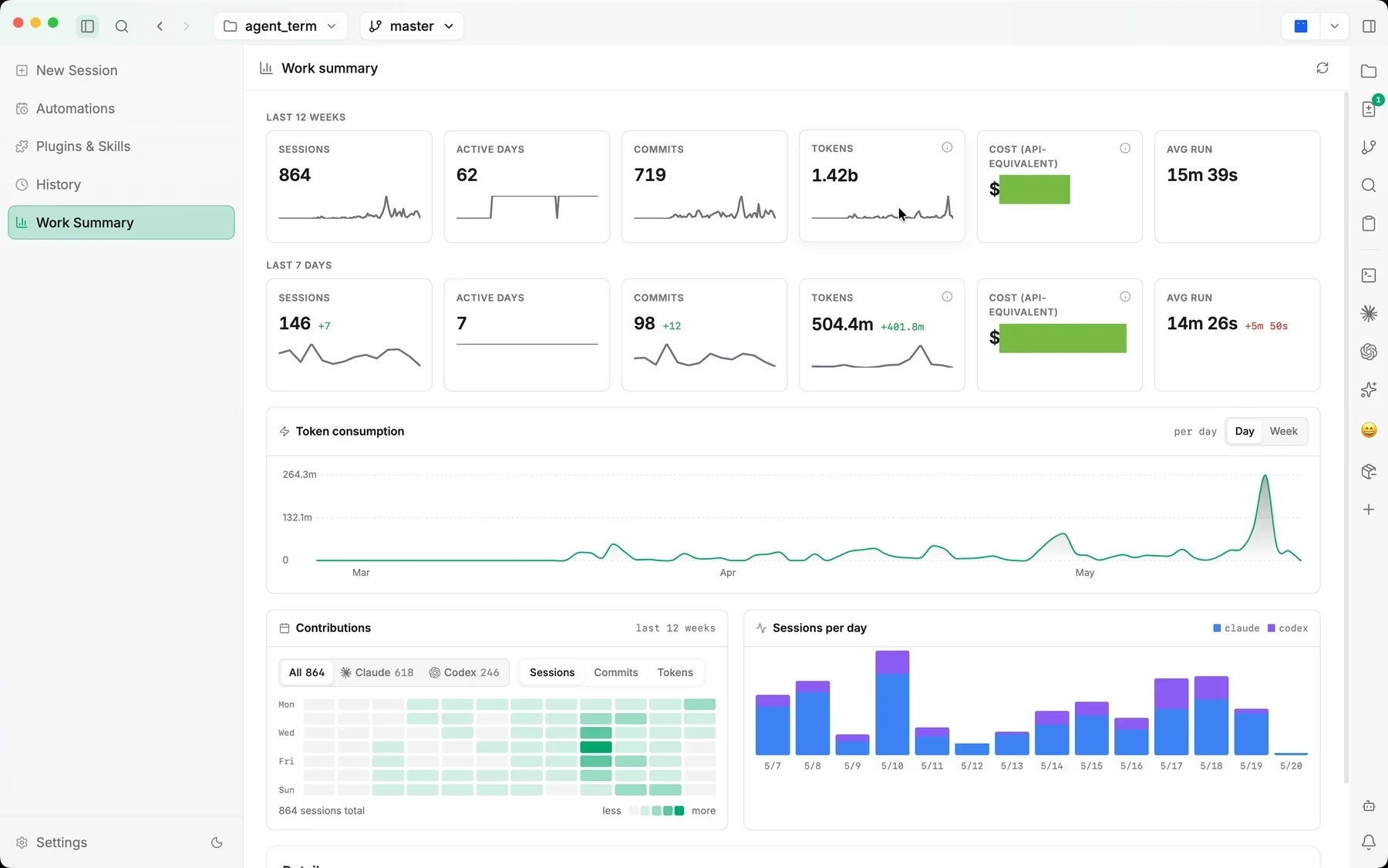
Both apps run your own agents locally. Orca leads on agent breadth, platforms, remote development, its browser, open source, and mobile; Jaade leads on what happens around each run — permission controls, review, resumable history, project orchestration, workflows, schedules, and Buddy.
| Capability | Orca | Jaade |
|---|---|---|
| Built around | One prompt fanned across many agents | Supervising and reviewing each run |
| Supported agents | Dozens of named CLI agents, plus any CLI agent | Five: Claude Code, Codex, OpenCode, Cursor, Pi |
| Parallel agents & git worktrees | Each agent in its own worktree | Parallel sessions, optional worktree each |
| Projects & orchestration | Projects in the sidebar; fan out, compare, merge | Projects where a master agent runs workers on a task graph |
| Model access | Your own subscriptions | Your own CLIs and credentials |
| Permission & plan modes | Not listed; alerts when an agent awaits permission | Per session, answered in the app |
| Session history & run map | Notifications and unread state | Resumable history and Session Overview |
| Diff review | Comment on diff lines for the agent | Session diffs, staging, commits, PRs |
| Terminals | WebGL splits, persistent scrollback | Real PTY terminals with split panes |
| Workflows & scheduled runs | Automations view; scriptable Orca CLI | Visual workflows and scheduled tasks |
| MCP servers, plugins & skills | MCP, hooks, and skills | One catalog for plugins, skills, MCPs |
| Proactive assistant | Not listed; notifications when agents finish | Buddy: missions, reminders, channels |
| Workspace wiki | Not listed | Knowledge wiki for docs and notes |
| Mini apps & dashboards | Not listed | Build and run git-versioned mini apps (experimental) |
| Browser & computer use | Chromium per worktree, Design Mode, Computer Use | Built-in browser; Browser Use, Computer Use (experimental) |
| Issues & pull requests | GitHub and Linear | GitHub panel; task board syncs GitHub, Jira, Linear |
| Remote development | SSH worktrees with port forwarding | SSH terminals and SFTP (experimental) |
| Platforms | macOS, Windows, Linux | macOS |
| Mobile app | iOS and Android companion | Not available |
| License & price | Free, MIT open source | Free to use, proprietary EULA |
Both apps drive the same agent CLIs with your own accounts, so trying Jaade doesn't mean giving anything up. Keep Orca for wide fan-outs and use Jaade where a run needs closer supervision, review, or automation.
Download the free macOS app. The agent CLIs you already use with Orca are picked up as they are, and a setup wizard installs and signs in Claude Code, Codex, or OpenCode if one is missing.
Point Jaade at the repo you use with Orca. Sessions can run on the current branch or in their own git worktree, so the two apps don't step on each other.
Start sessions with the model, effort, permission mode, and plan mode each task needs, and answer approvals as they come in.
Read each run's diff and summary, stage what you want, and resume or hand off the session later with its context intact.
Configure Claude Code, Codex, OpenCode, Cursor, and Pi: models, effort, permissions, sandboxes, and sign-in.
Read the guideReview diffs, stage, commit, push, run agents in worktrees, and follow pull requests.
Read the guideTurn a repeatable prompt into an automation with triggers and health status.
Read the guideYes. Like Orca, Jaade is a local desktop app for running several coding agents at once with your own subscriptions. Orca centers fanning one prompt across many agents in worktrees; Jaade centers each run — permission and plan controls, diff review, resumable history, projects where a master agent coordinates workers, visual workflows, schedules, and Buddy for recurring checks and reminders.
No. Orca is open source under the MIT license. Jaade is free to use under its EULA, but its source is not published.
Orca names dozens of CLI agents across its site and README — including Claude Code, Codex, Gemini, Grok, Cursor, GitHub Copilot, OpenCode, and Pi — and says any other CLI agent works. Jaade supports Claude Code and Codex as first-class agents, OpenCode and Cursor as experimental agents, and Pi as a built-in bring-your-own-provider agent.
Jaade currently ships for macOS. Orca ships for macOS, Windows, and Linux, plus iOS and Android companion apps.
Yes. Both drive the agent CLIs you already have installed and signed in, and both can isolate work in git worktrees, so you can keep Orca for wide fan-outs and use Jaade where you want closer review and automation.
Neither resells model access. Both run agents with your own Claude, ChatGPT, or provider accounts, so model usage is billed by those providers as usual.
Jaade is a local Agentic IDE for Claude Code, Codex, OpenCode, Cursor, and Pi. Run agents and terminals, chain them into workflows, coordinate projects, schedule prompts, review diffs, and keep history, memory, plugins, skills, MCPs, and summaries in one workspace.