
Read the run
A transcript, not scrollback
Prompts, replies, tool calls, and file references render as structured entries you can scroll, search, and revisit after the run finishes.
A desktop Claude Code GUI for macOS. Run Claude Code with visible sessions, model and permission controls, terminals, files, diffs, and resumable history.
A Claude Code GUI is a graphical interface around the Claude Code CLI. The agent is unchanged — Jaade runs the real CLI — but the run stops living in scrollback: the prompt, model, permission mode, transcript, tool calls, changed files, and diffs each get a surface you can look at, click, and come back to.
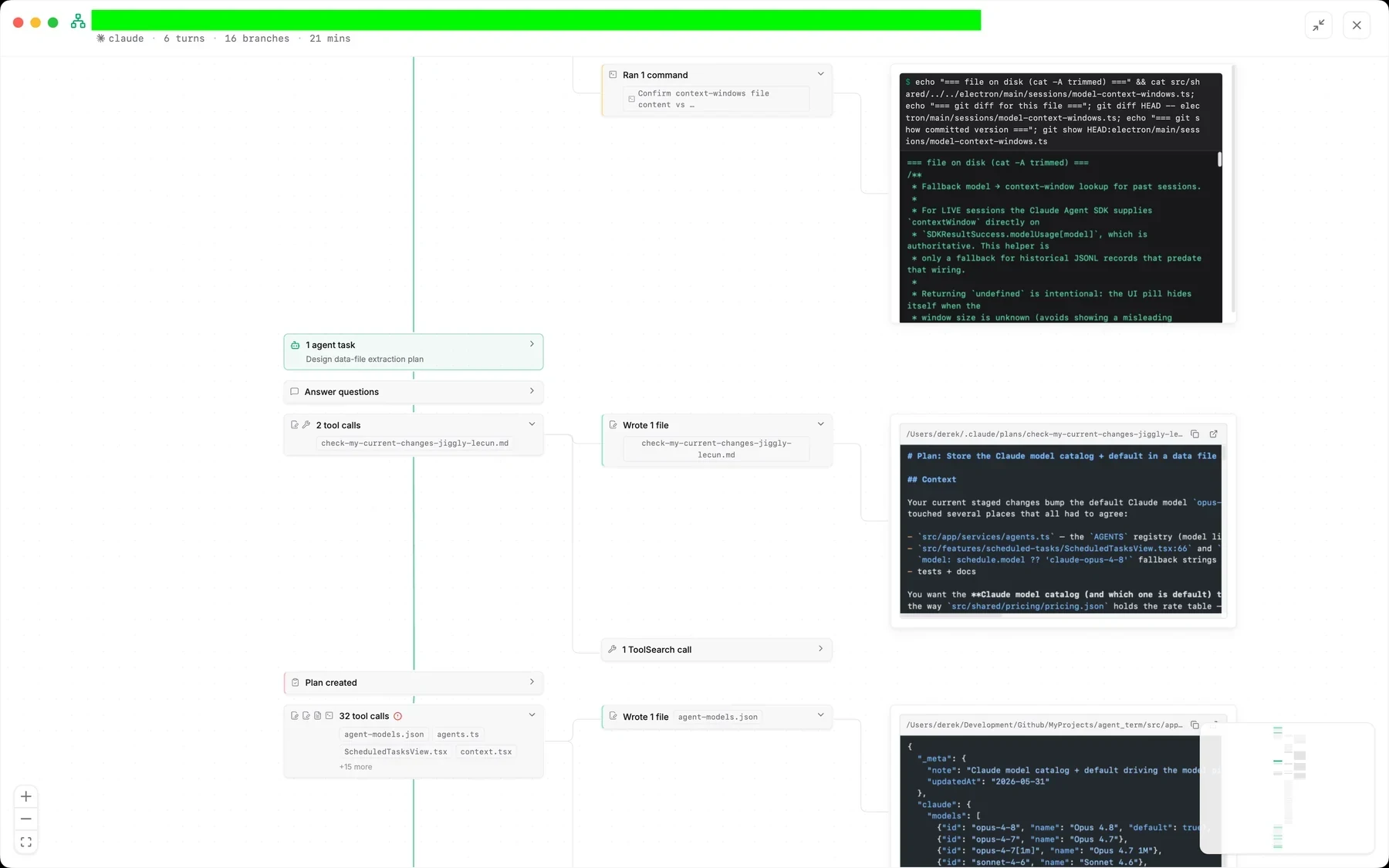
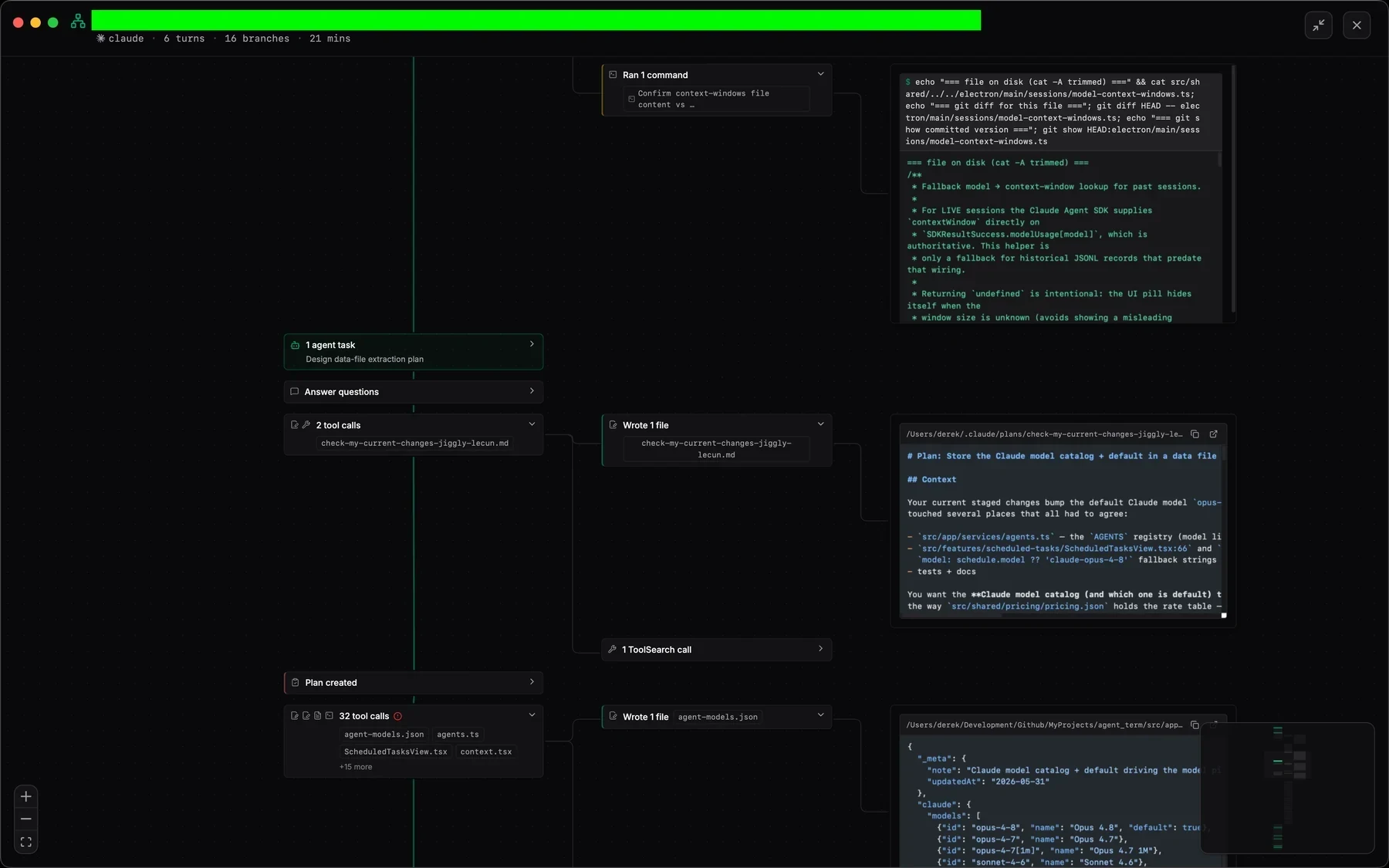
Prompts, replies, tool calls, and file references render as structured entries you can scroll, search, and revisit after the run finishes.
Permission mode and plan mode are set before the prompt, and inline approvals show what Claude Code is asking for instead of a bare terminal confirmation.
Changed files list themselves as the run proceeds, open in a diff view, and stage individually — no separate terminal window to reconstruct what happened.
Jaade is not a Claude Code replacement or a wrapper that hides it. It is a GUI over the CLI you already have, so anything you can do in the terminal stays available — with a real terminal one keystroke away.
Jaade detects your existing Claude Code installation and uses your own sign-in, API environment, Bedrock configuration, or compatible provider.
Pick the model, reasoning effort, permission mode, and plan mode, attach files, and mention workspace paths before sending the first prompt.
Follow the transcript and tool activity, answer permission prompts inline, queue follow-ups, and drop into a real terminal whenever you want the CLI directly.
Inspect diffs, stage intentionally, and reopen the same session later with its prompt, model, branch, transcript, and changed files intact.
Open a workspace, start your first Claude Code session, and review the changes it makes.
Read the guideSee how prompts, approvals, tool calls, attachments, history, and resume work inside a session.
Read the guideConfigure Claude authentication, defaults, Bedrock, compatible providers, models, and context behavior.
Read the guideNo. Jaade is an independent macOS desktop app that runs the Claude Code CLI. It is not built or endorsed by Anthropic, and it uses your own Claude Code installation and credentials.
Not in Jaade. Jaade launches the real Claude Code CLI rather than reimplementing it, so models, plugins, Agent Skills, MCP servers, and permission modes behave as they do in the terminal — and a real terminal stays available in the same window.
Yes. Jaade includes real PTY terminals beside the session, so you can run Claude Code, git, tests, or any other command directly while the graphical session stays open.
Jaade is a local Agentic IDE for Claude Code, Codex, OpenCode, Cursor, and Pi. Run agents and terminals, chain them into workflows, coordinate projects, schedule prompts, review diffs, and keep history, memory, plugins, skills, MCPs, and summaries in one workspace.