

Authentication
Use your Claude setup
Sign in with Claude, use standard API environment variables, configure AWS Bedrock, or point Claude Code at a supported compatible provider.
Run Claude Code in a local macOS workspace with visible sessions, model and permission controls, terminals, files, diffs, history, plugins, skills, and MCPs.
Jaade wraps Claude Code in a local desktop workspace. The agent remains Claude Code; Jaade adds visible sessions, model and permission controls, files, terminals, diffs, history, schedules, plugins, skills, MCP status, and resumable context around each run.
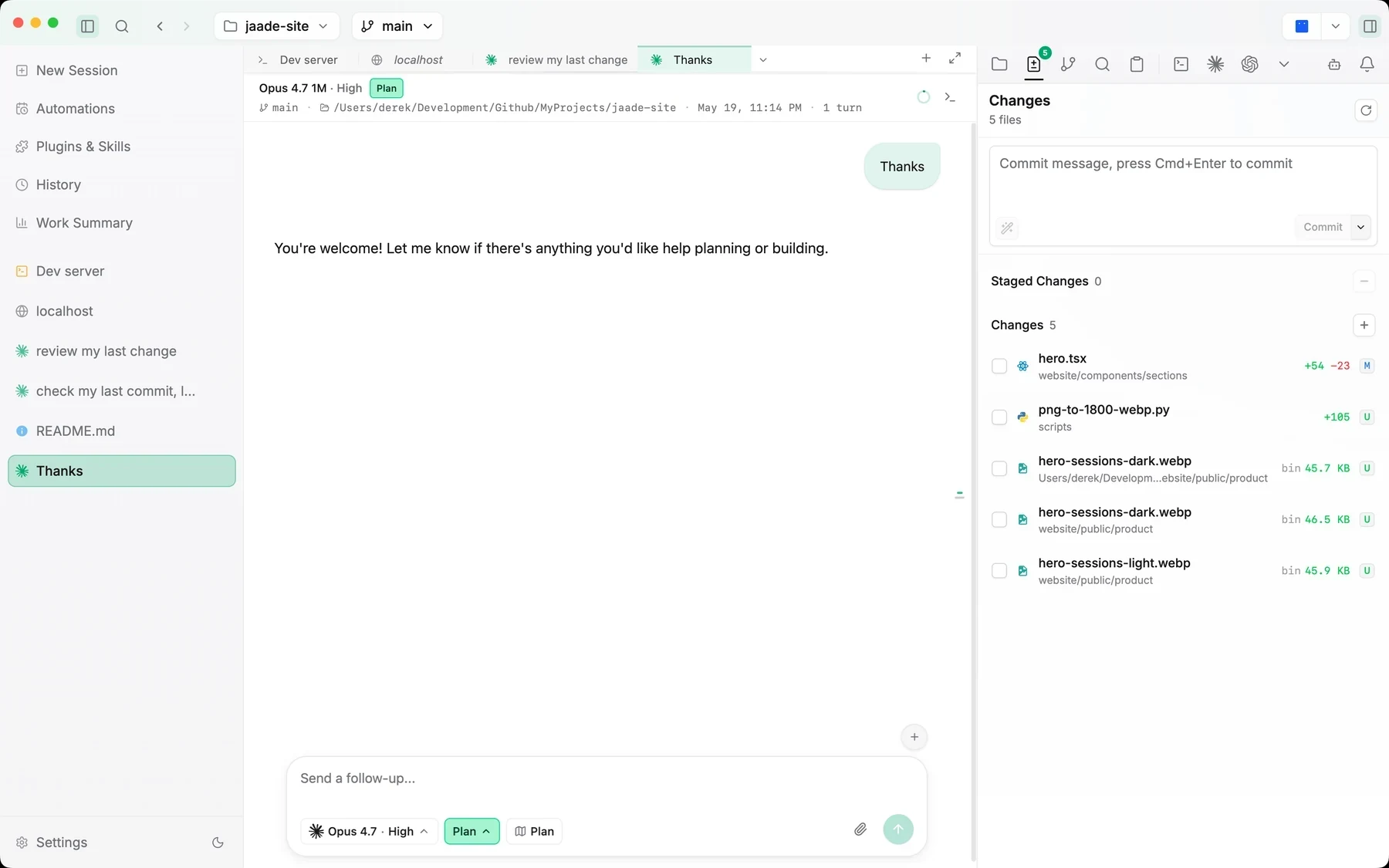
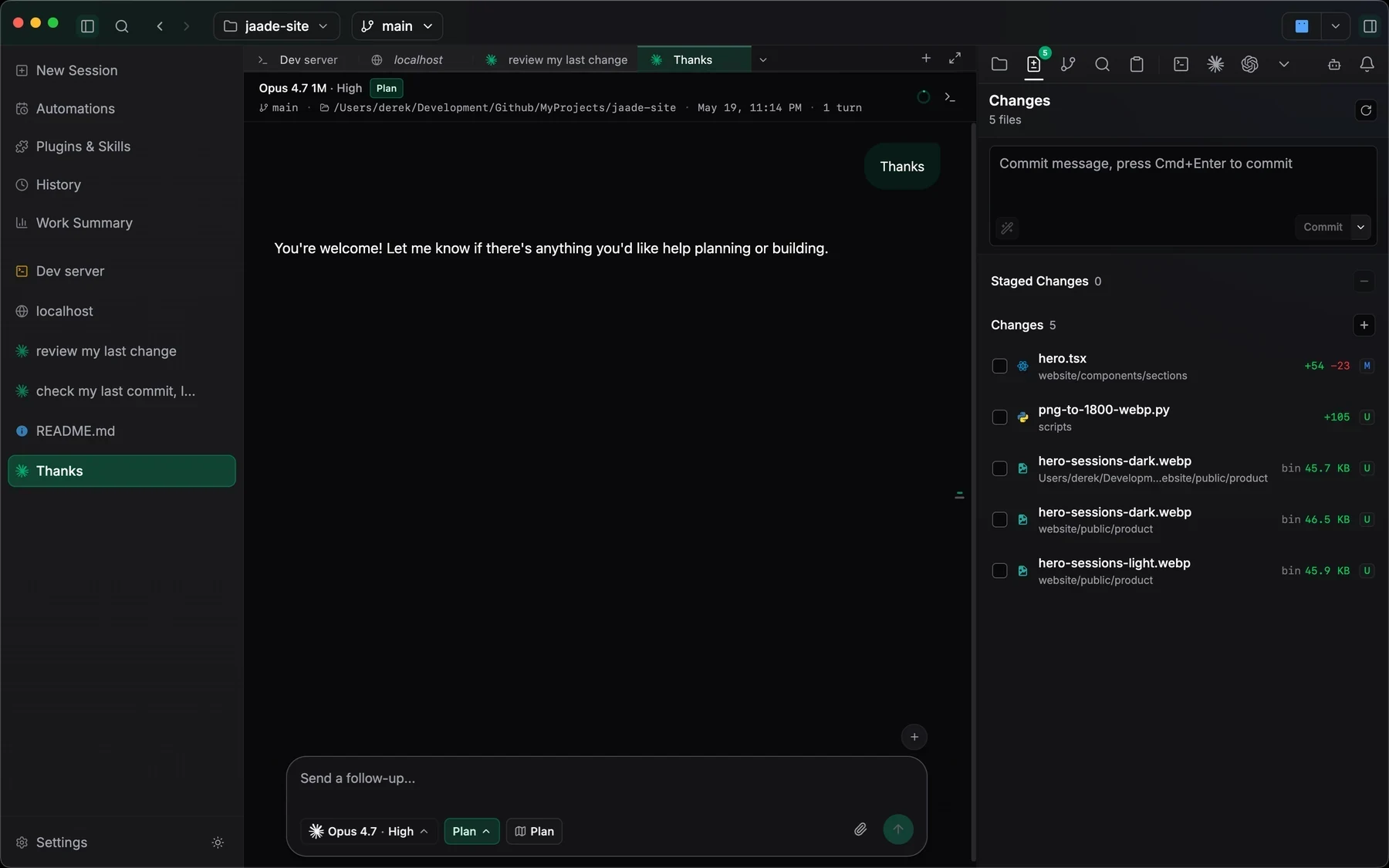
Sign in with Claude, use standard API environment variables, configure AWS Bedrock, or point Claude Code at a supported compatible provider.
Set the Claude model — Opus 5 by default, with its 1M-token context window and a per-model Fast mode toggle — plus reasoning effort, permission mode, and plan mode before the first prompt, with attachments and workspace mentions in reach.
Browse Claude plugins, Agent Skills, MCP servers, authentication state, tools, and project scope before they become part of the session.
Jaade does not hide Claude Code behind an autonomous black box. It keeps the session, workspace context, approvals, tool activity, changed files, and follow-up controls visible throughout the run.
Use Claude sign-in, your existing API environment, AWS Bedrock, or a supported Claude-compatible endpoint.
Select the model — or flip it into Fast mode — plus reasoning effort, permission mode, and plan mode, then add files or attachments to the prompt.
Watch the transcript and tool activity, answer inline permission prompts, and queue follow-ups while Claude is working.
Inspect the resulting diffs, commit intentionally, or reopen the same Claude session later with its original context intact.
Configure Claude authentication, defaults, Bedrock, compatible providers, models, and context behavior.
Read the guideSee how prompts, approvals, tool calls, attachments, history, and resume work inside a session.
Read the guideManage Claude plugins, skills, commands, MCP servers, scopes, and authentication state.
Read the guideNo. Jaade provides the desktop workspace and session controls. You authenticate Claude Code with your own Claude subscription, API configuration, Bedrock environment, or supported provider.
Yes. Jaade exposes Claude plugins, Agent Skills, commands, and MCP servers in a dedicated capability view, including scopes, enabled state, tools, and authentication status.
Jaade is a local macOS desktop app. Workspace files, session history, and app data stay on your machine, while prompts and tool calls still reach whichever agent provider or external service you configure.
Jaade is a local Agentic IDE for Claude Code, Codex, OpenCode, Cursor, and Pi. Run agents and terminals, chain them into workflows, coordinate projects, schedule prompts, review diffs, and keep history, memory, plugins, skills, MCPs, and summaries in one workspace.