

Session setup
Make controls explicit
Choose a Codex model, reasoning effort, permission mode, filesystem sandbox, and plan mode before the task begins.
Run Codex in a local macOS workspace with visible sessions, model and sandbox controls, project files, terminals, Git review, skills, plugins, and history.
Jaade gives Codex a persistent, workspace-aware desktop surface. Start a session with explicit model, effort, permission, sandbox, and plan controls, then keep files, terminals, Git changes, plugins, skills, MCP tools, and history beside the conversation.
Choose a Codex model, reasoning effort, permission mode, filesystem sandbox, and plan mode before the task begins.
Open project files, search, terminals, source control, Git history, branches, issues, and pull requests without detaching them from the run.
Use Codex plugins, project-scoped Agent Skills, MCP servers, and optional Computer Use with their source and status visible in Jaade.
The coding agent can work quickly; the workspace should make the result easy to inspect. Jaade connects the Codex transcript to the files, branches, tools, and Git decisions around it.
Set the model, reasoning effort, permission mode, and Codex sandbox to match the task before you send the first prompt.
Keep the active Codex session next to files, terminals, branches, search, source control, Git history, and project context.
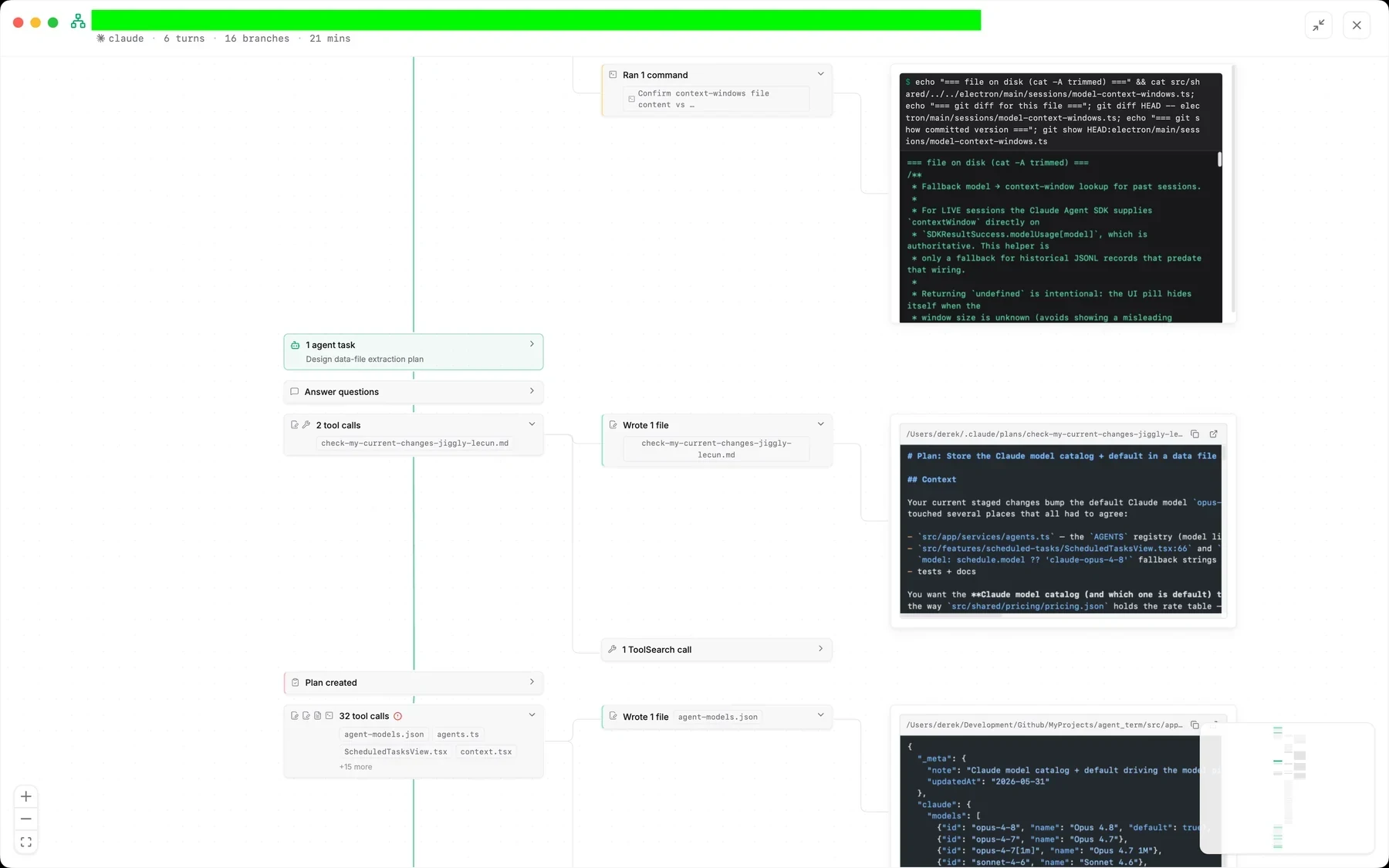
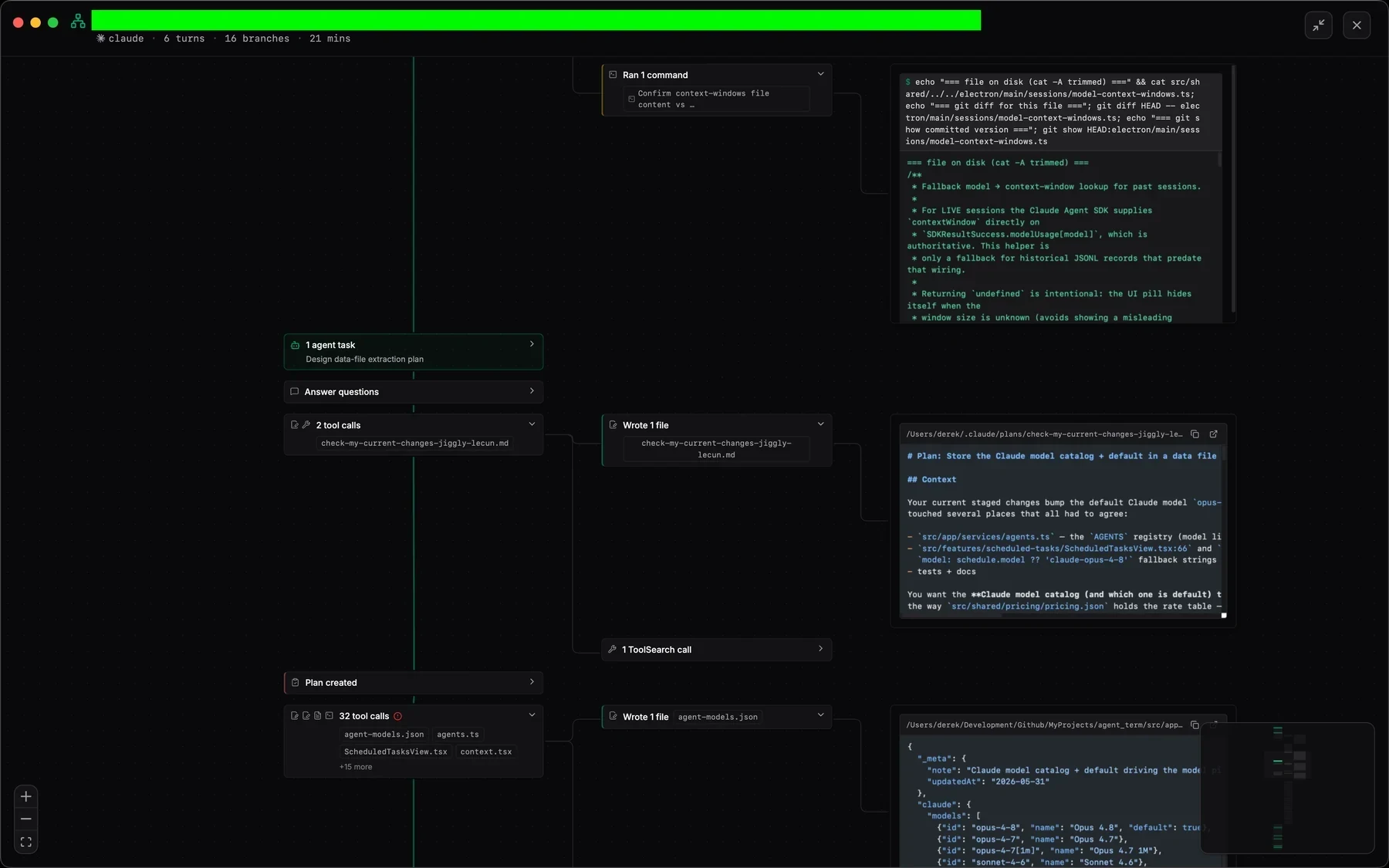
Read the transcript or open Session Overview to navigate turns, tool calls, commands, edits, agent tasks, and elapsed time.
Open changed files and diffs, stage intentionally, commit, or resume the Codex session with its original context.
Configure Codex defaults, binary discovery, models, effort, sandbox behavior, and context compaction.
Read the guideReview diffs, stage files, resolve conflicts, commit, push, inspect history, and follow pull requests.
Read the guideSee how Codex plugins, project skills, MCP tools, scopes, and capability discovery work in Jaade.
Read the guideNo. Jaade provides the desktop workspace around Codex. Install and authenticate Codex normally; Jaade detects the CLI or Codex app bundle and uses your existing access.
Yes. In addition to shared permission modes, Codex sessions expose a filesystem sandbox setting: danger-full-access, workspace-write, or read-only.
Yes. Jaade discovers Codex plugins and project-scoped Agent Skills, shows MCP servers and tools, and can bridge supported capabilities such as the bundled Computer Use plugin when enabled.
Jaade is a local Agentic IDE for Claude Code, Codex, OpenCode, Cursor, and Pi. Run agents and terminals, chain them into workflows, coordinate projects, schedule prompts, review diffs, and keep history, memory, plugins, skills, MCPs, and summaries in one workspace.