
Isolate
Start sessions, not tabs
Each run is a first-class session with its own agent, model, effort, permission mode, plan mode, and workspace context — not a shell you have to remember the state of.
Run coding agents in parallel: a macOS workspace where every Claude Code, Codex, OpenCode, and Cursor session stays visible, reviewable, and resumable.
A parallel agent workspace runs several coding agents at the same time and keeps each one separable. Every run is its own session with its own transcript, branch context, changed files, and summary — so two agents working in the same repository never collapse into one stream of output you have to untangle afterwards.
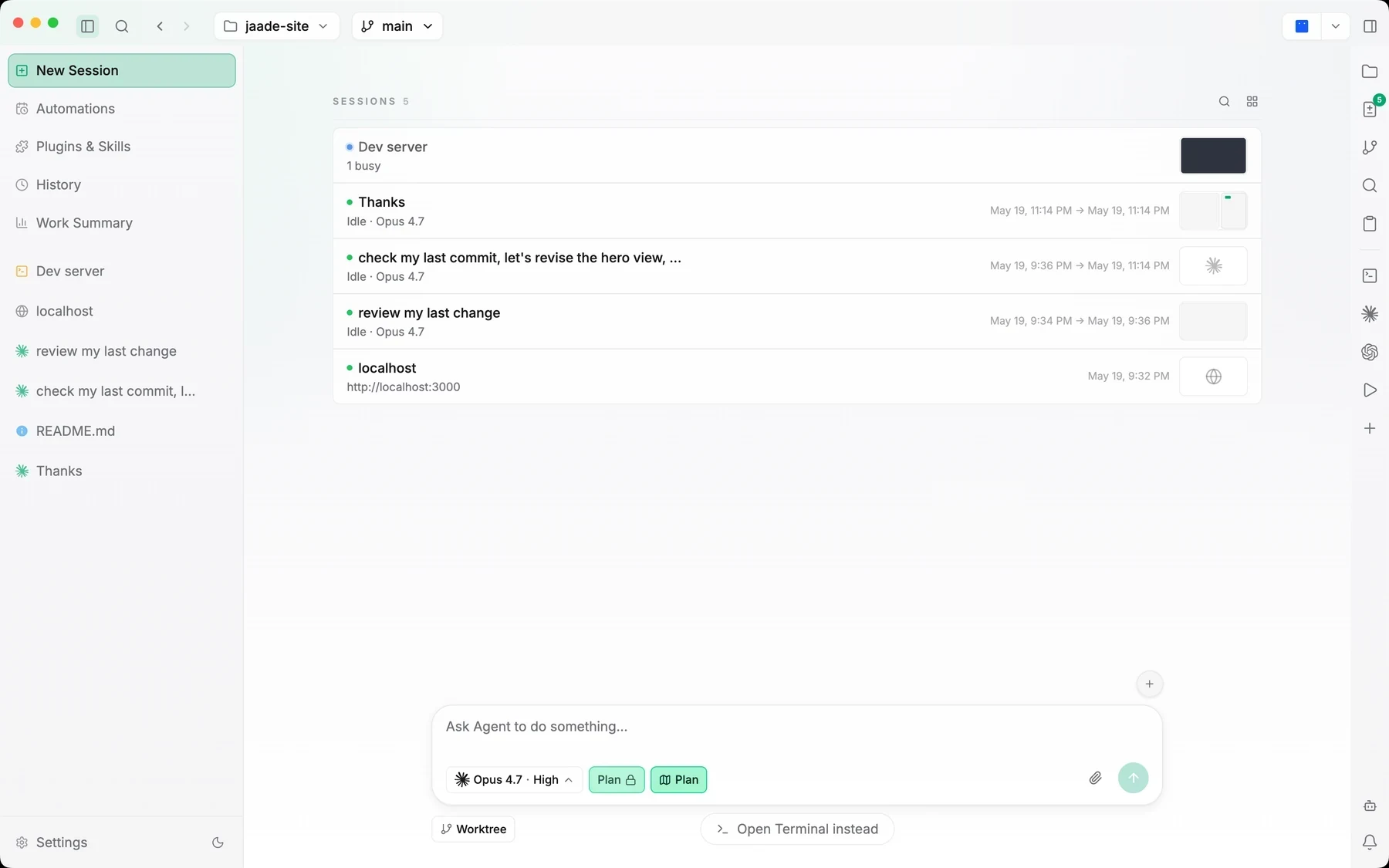
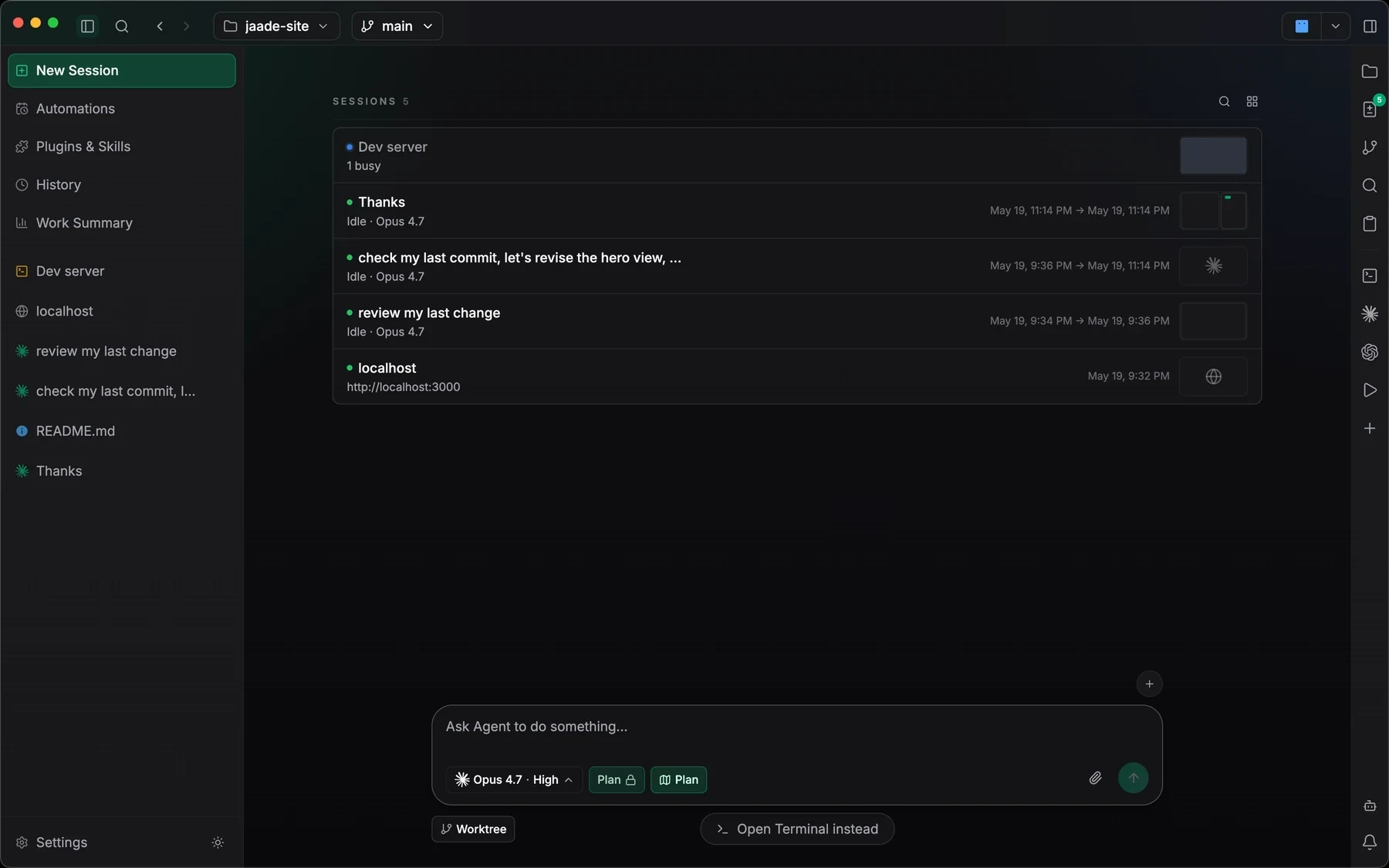
Each run is a first-class session with its own agent, model, effort, permission mode, plan mode, and workspace context — not a shell you have to remember the state of.
One dashboard carries status, elapsed time, branch, and changed paths for every active session, so you can tell at a glance which agent is waiting on you.
Runs end in work summaries and diffs scoped to that session, and the session overview maps a long run as a zoomable canvas instead of an endless transcript.
Running agents in parallel is easy; knowing what each one did is the hard part. Jaade keeps the fan-out cheap and the reconciliation honest — every change is attributable to the session that made it.
Point Jaade at the repository you are working in. Every session you start inherits that workspace, its branches, and its project context.
Hand separate tasks to Claude Code, Codex, OpenCode, or Cursor, each with the model, effort, and permission mode that task deserves.
Follow live status, answer permission prompts, queue follow-ups, and jump into any session's terminal, files, or diffs without losing the others.
Read each run's summary and diff, stage the changes you want, and reopen any session later with its original prompt, model, branch, and files intact.
See how prompts, approvals, tool calls, attachments, history, and resume work inside a session.
Read the guideCoordinate related sessions with master sessions, workers, task dependencies, and shared context.
Read the guideRead activity across sessions: commits, duration, token usage, contributions, and agent mix.
Read the guideJaade does not impose a fixed session limit; concurrency is bounded by your machine and by whatever rate limits your agent providers apply. Each session runs its own agent process, so the practical ceiling is CPU, memory, and provider quota.
Jaade keeps each session's branch context and changed files visible so overlapping edits are obvious before you stage them, and source control shows conflicts explicitly. For work that must stay isolated, run sessions on separate branches and review each diff before committing.
Yes. Claude Code, Codex, OpenCode, and Cursor sessions can run side by side in one Jaade workspace, each with its own model and permission settings, using your own credentials for each provider.
Jaade is a local Agentic IDE for Claude Code, Codex, OpenCode, Cursor, and Pi. Run agents and terminals, chain them into workflows, coordinate projects, schedule prompts, review diffs, and keep history, memory, plugins, skills, MCPs, and summaries in one workspace.