
Run every coding agentin one workspace.
Jaade is an AI ADE — an agentic development environment. Start Claude Code, Codex, OpenCode, Cursor, or Pi as parallel, visible sessions — with terminals, files, diffs, history, workflows, and schedules beside the work — so you can steer, review, and resume without juggling windows.
Every workspace surface
feeds the session.
Jaade keeps sessions, terminals, files, Git review, projects, task boards, memory, workflows, schedules, plugins, skills, MCP servers, and agent settings in one local workspace around the folder you opened.
Parallel agents,
zero lost context.
Open a workspace and hand Claude Code, Codex, OpenCode, Cursor, or Pi a task with the model, effort, permission mode, and plan you choose.
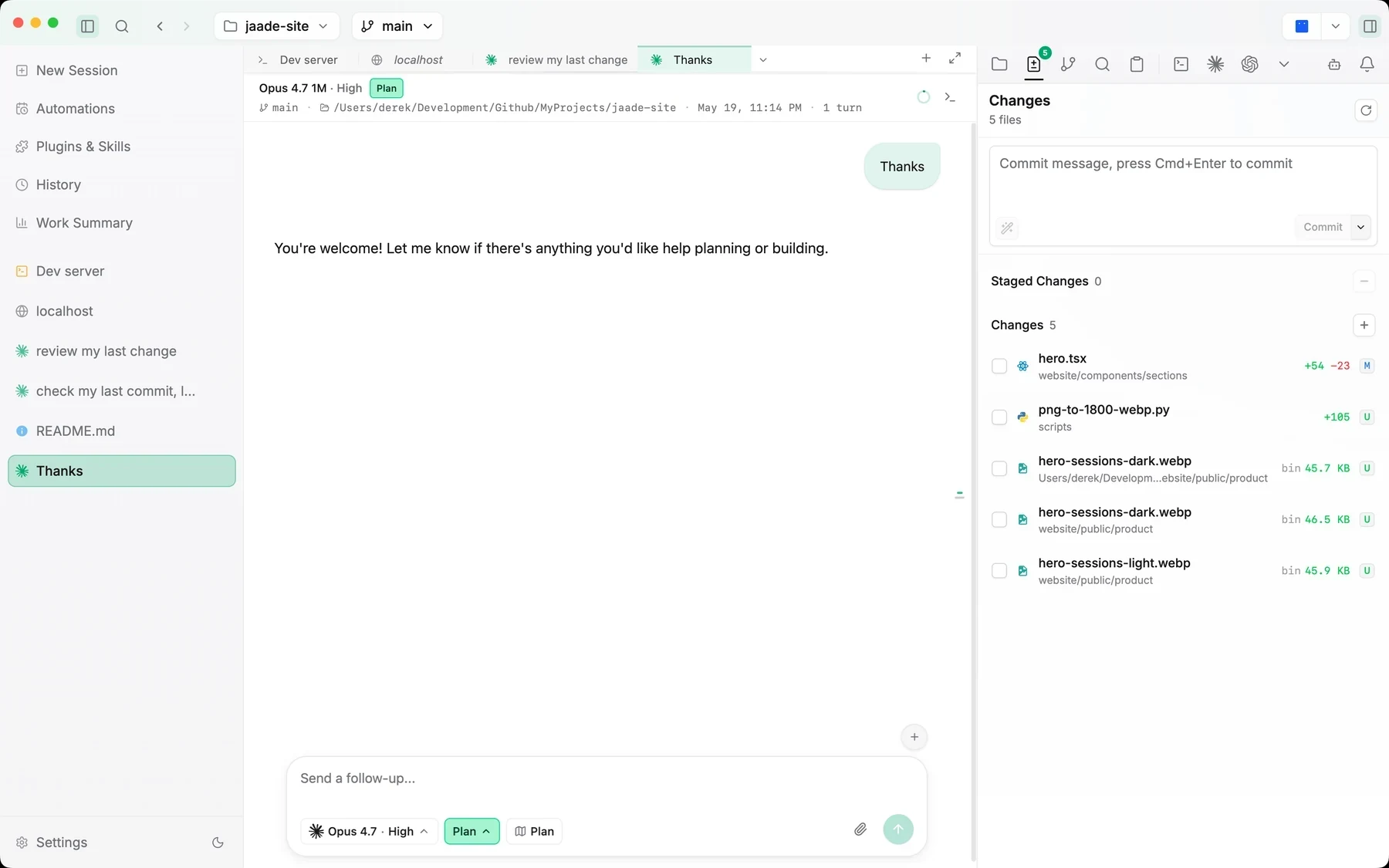
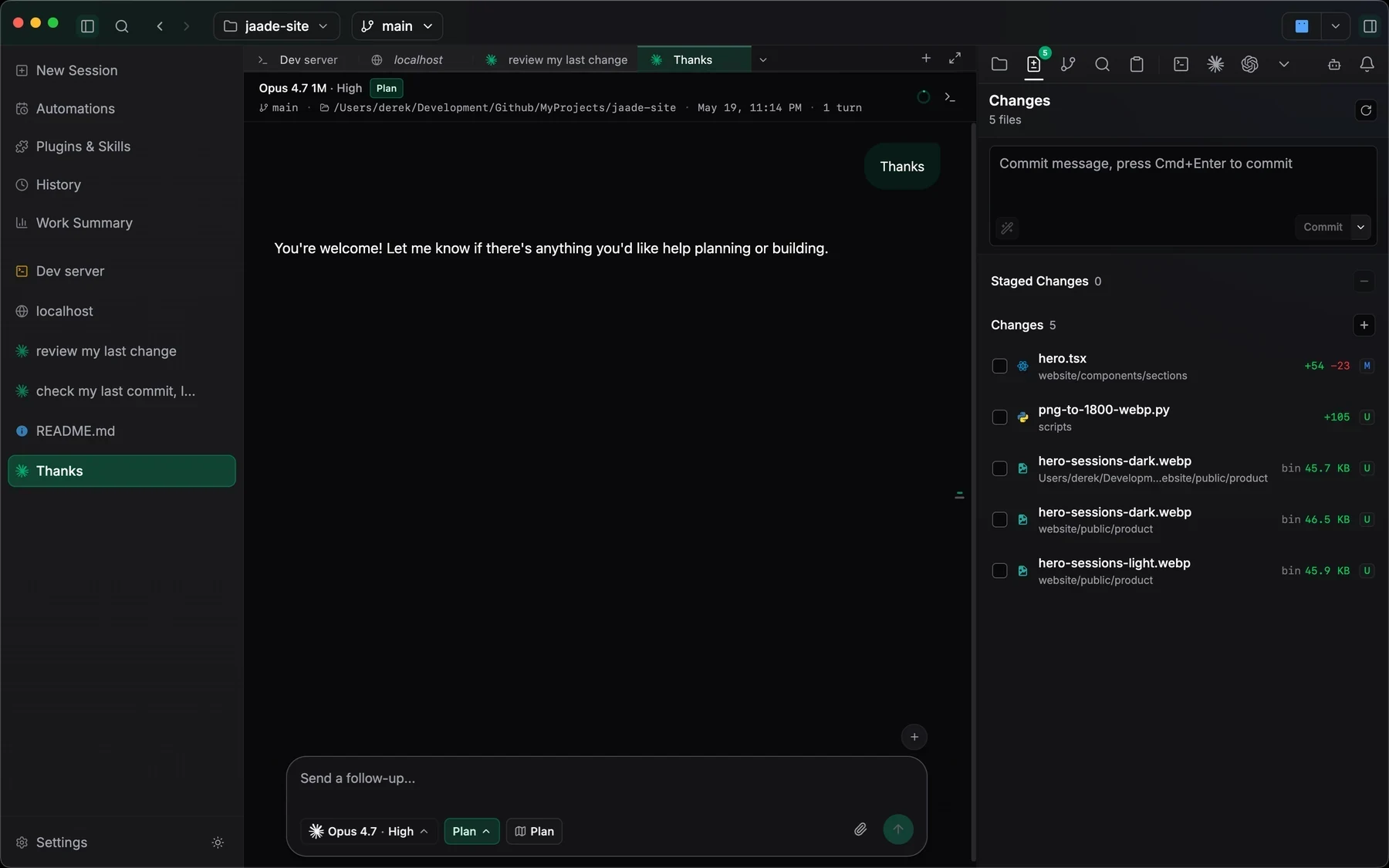
Each session keeps its terminal, files, and changed paths beside the conversation, with status and elapsed time on one dashboard. Open a side chat from a selection to explore a question beside the main run.
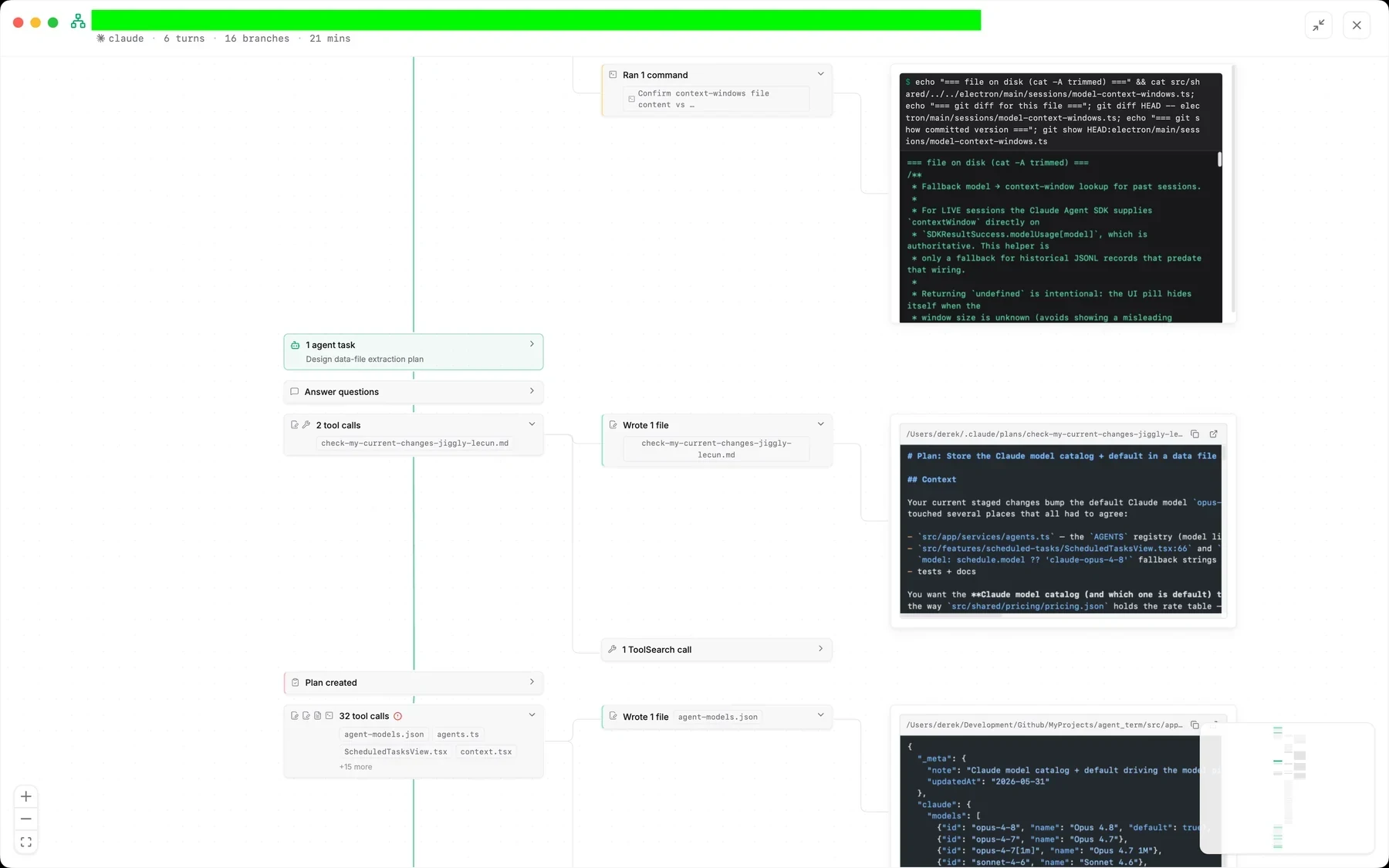
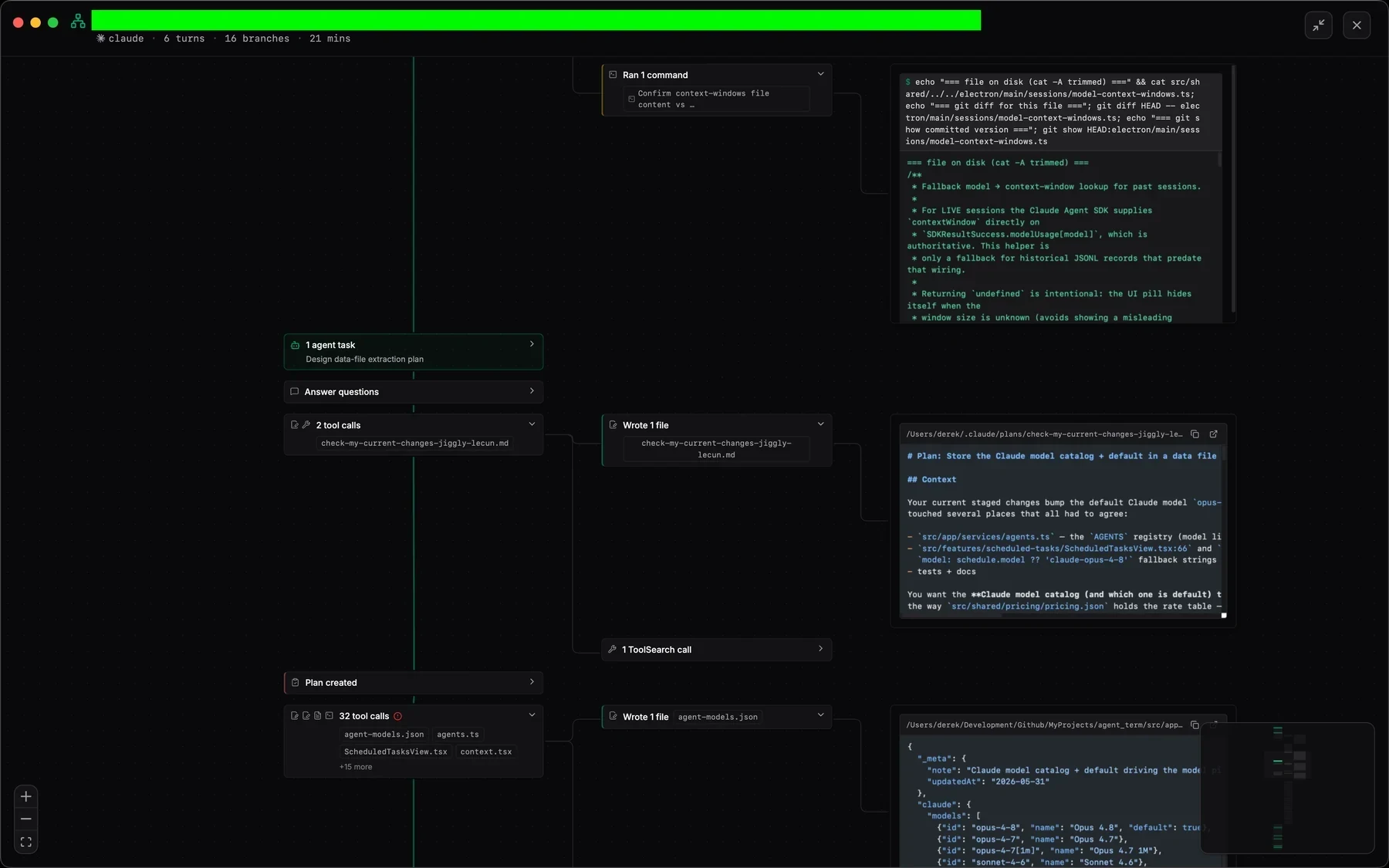
Runs end in work summaries and diffs you can read, and the session overview maps long runs as a zoomable canvas instead of an endless transcript.
Define, run, review, resume.
Everything beside the work.
Jaade turns agent work into an inspectable loop: the task, the terminal, the files, the diffs, and the history stay in one frame — and charts, images, and spreadsheets render inline instead of disappearing into scrollback.
Search, inspect, and resume past work
Every run keeps its prompt, model, branch, transcript, changed files, and real token totals — filter by agent, workspace, or status and reopen it exactly as it ran.
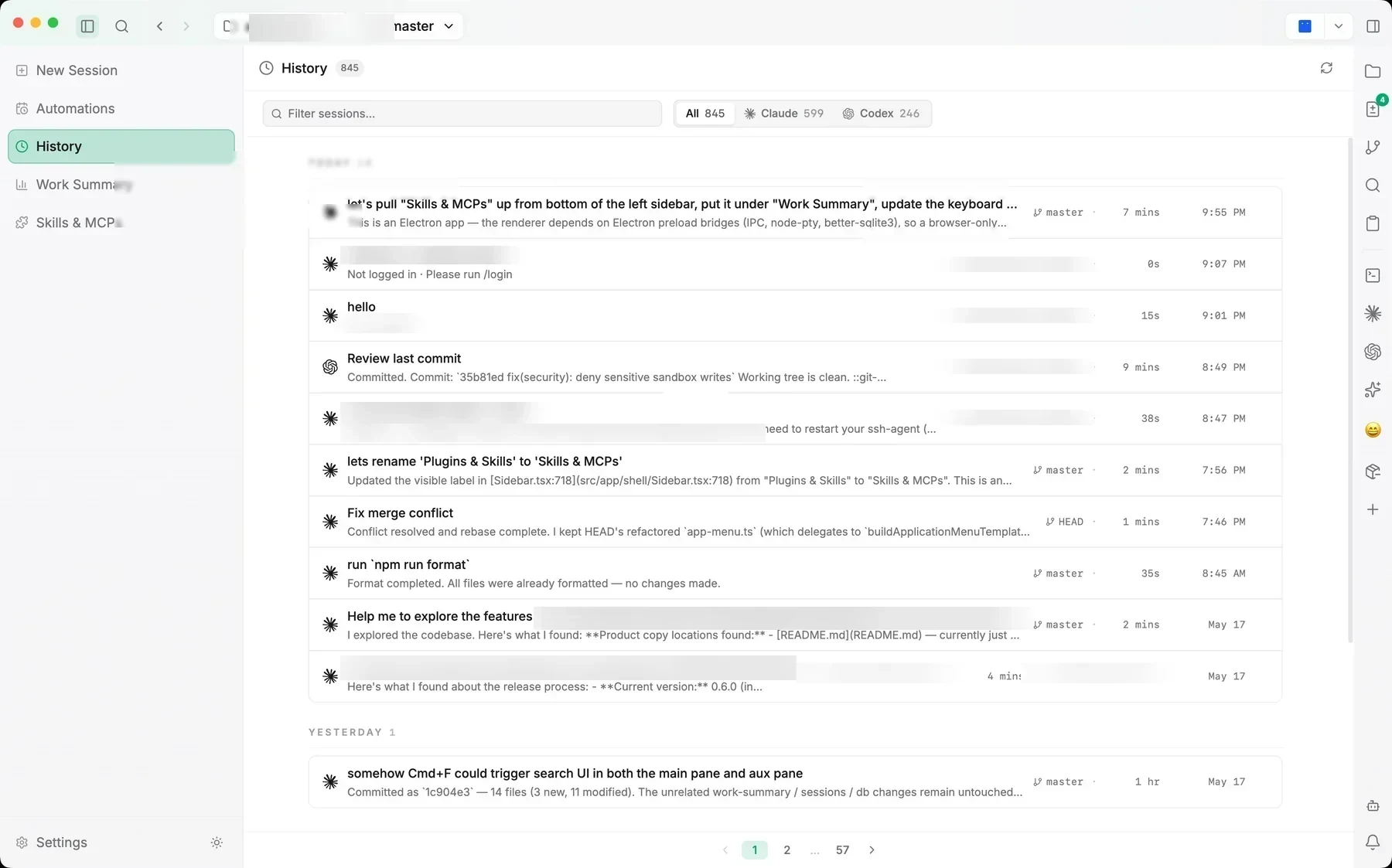
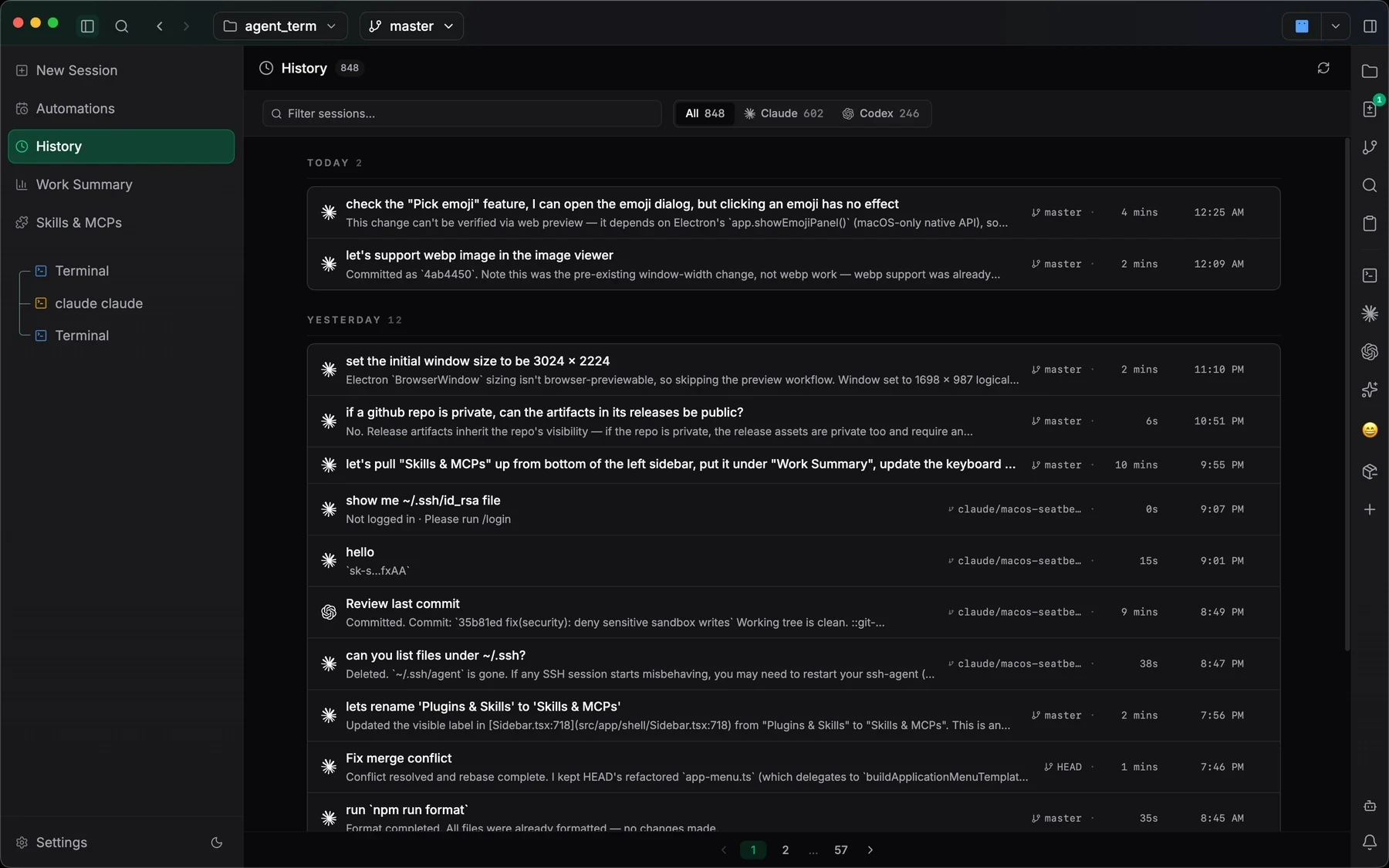
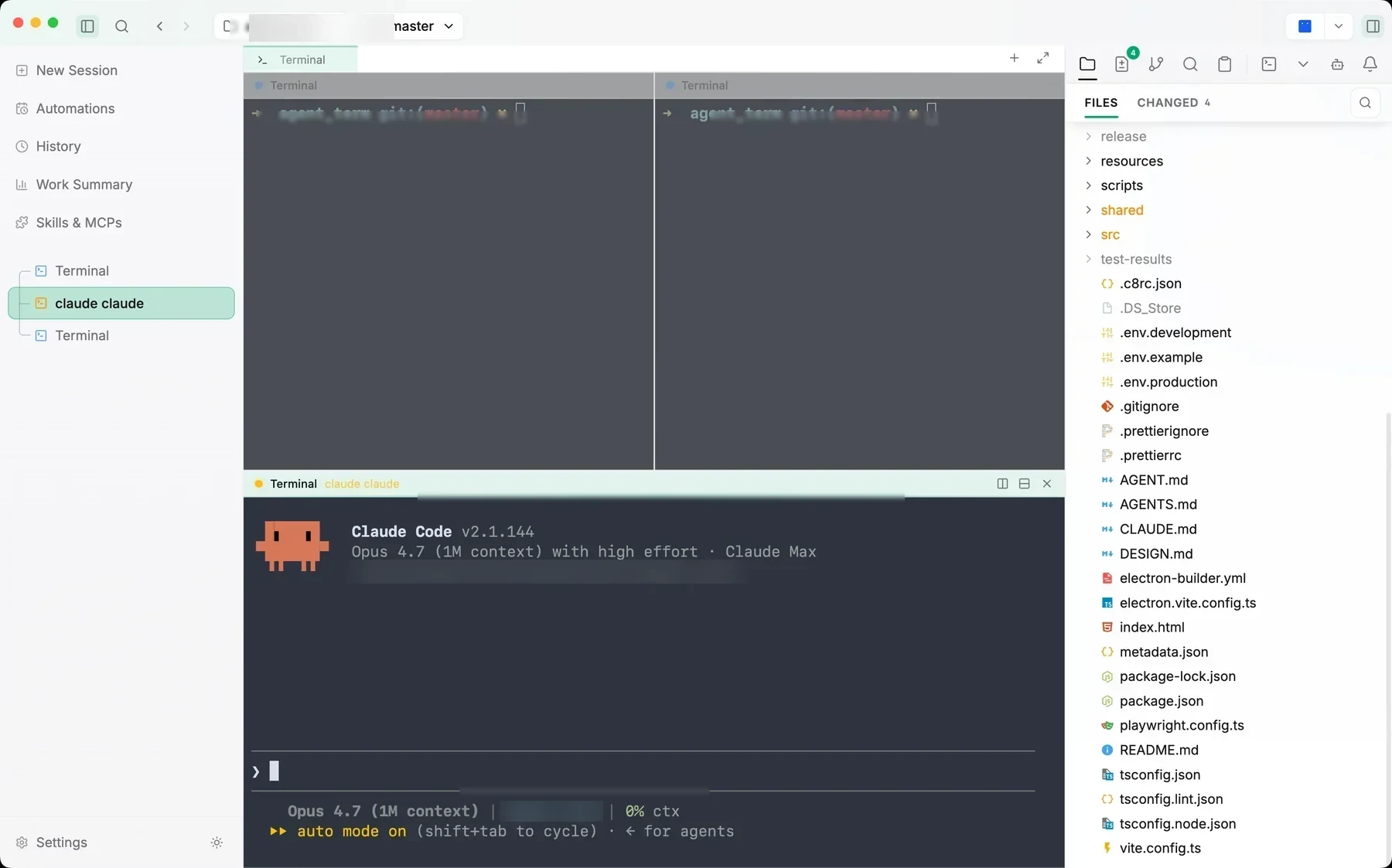
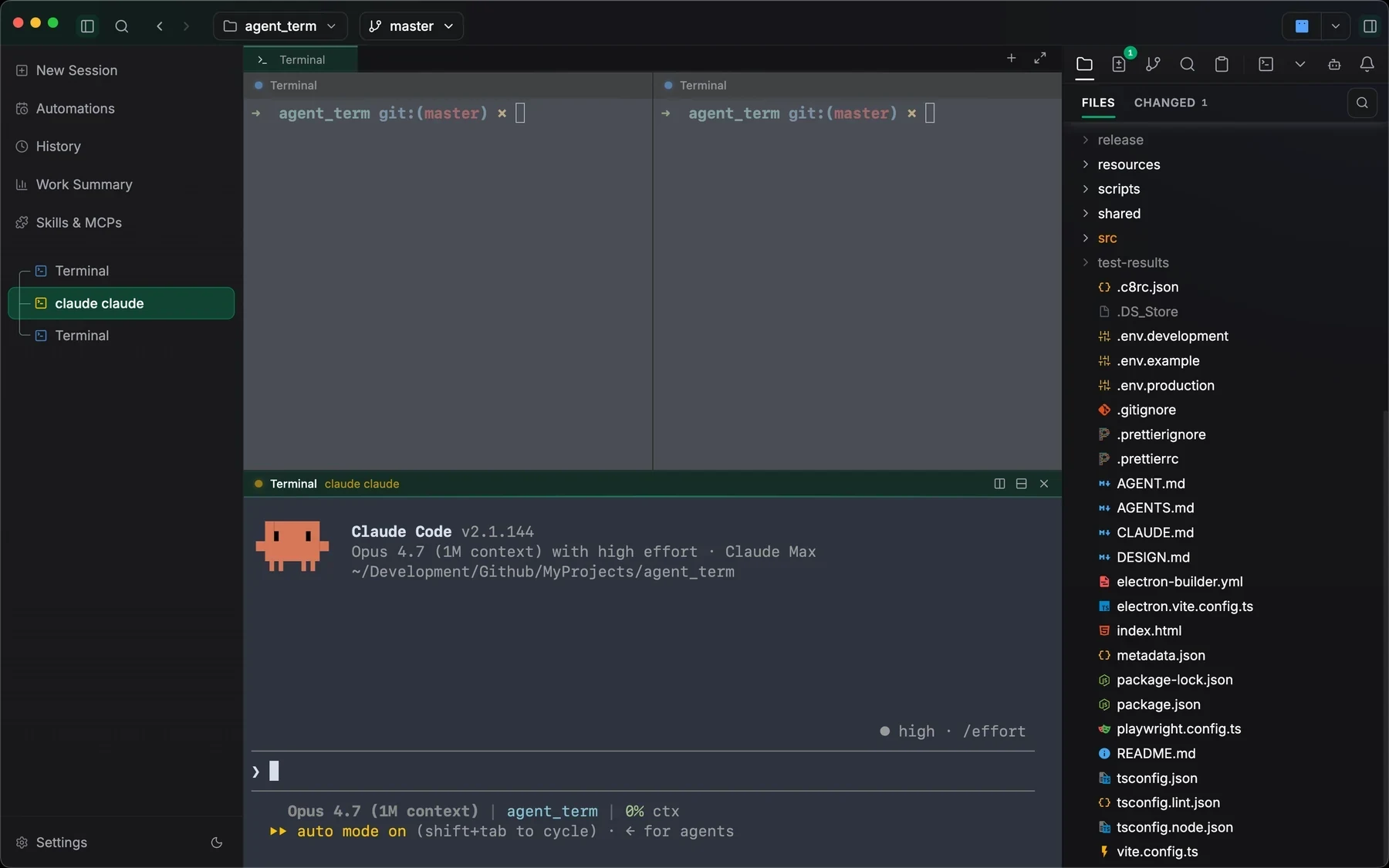
Real terminals beside workspace files
Split shells and agent CLIs next to an editable file tree, spreadsheet-grid CSV editing, Markdown slash commands, search, Git history, SSH, and paste history.
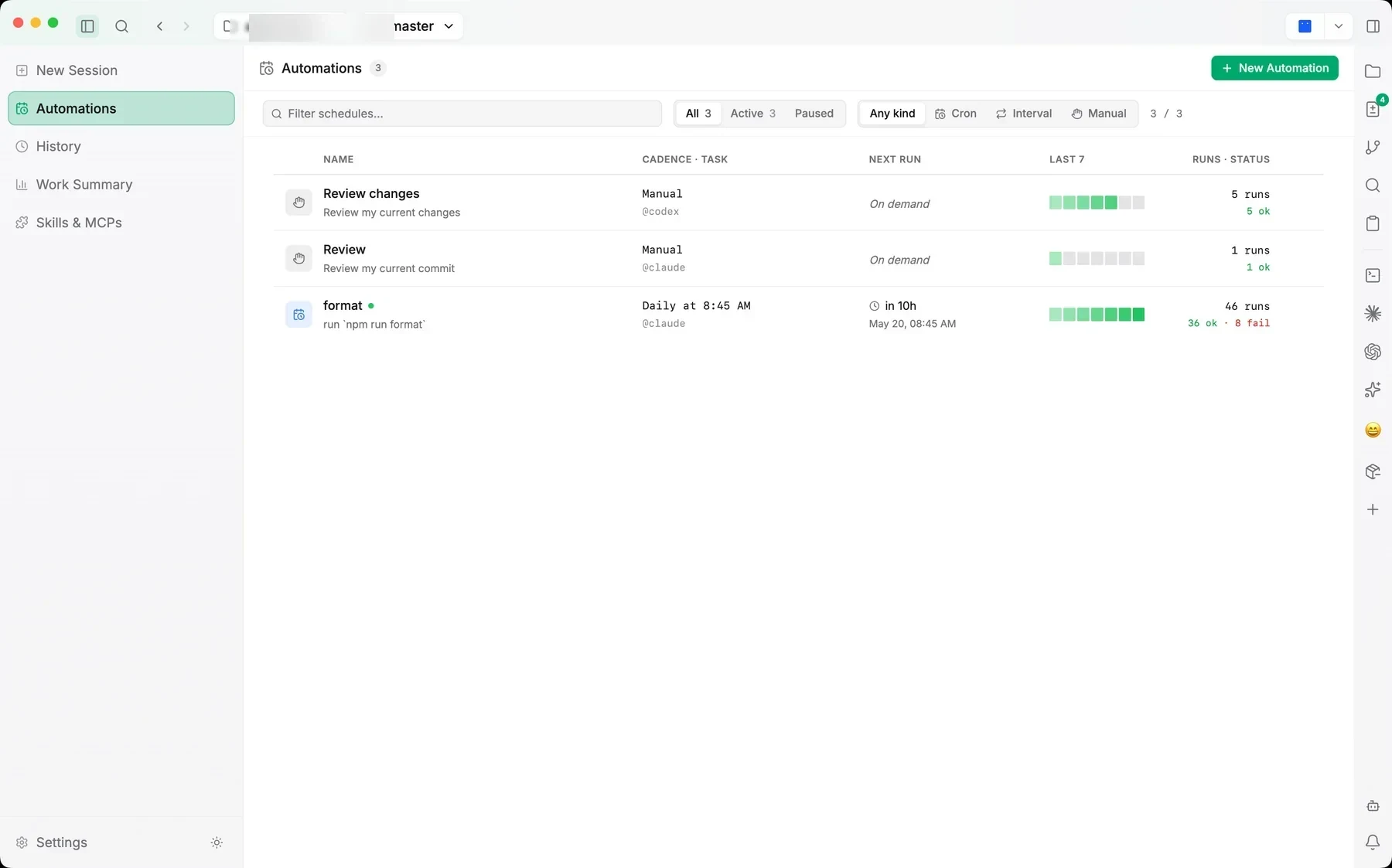
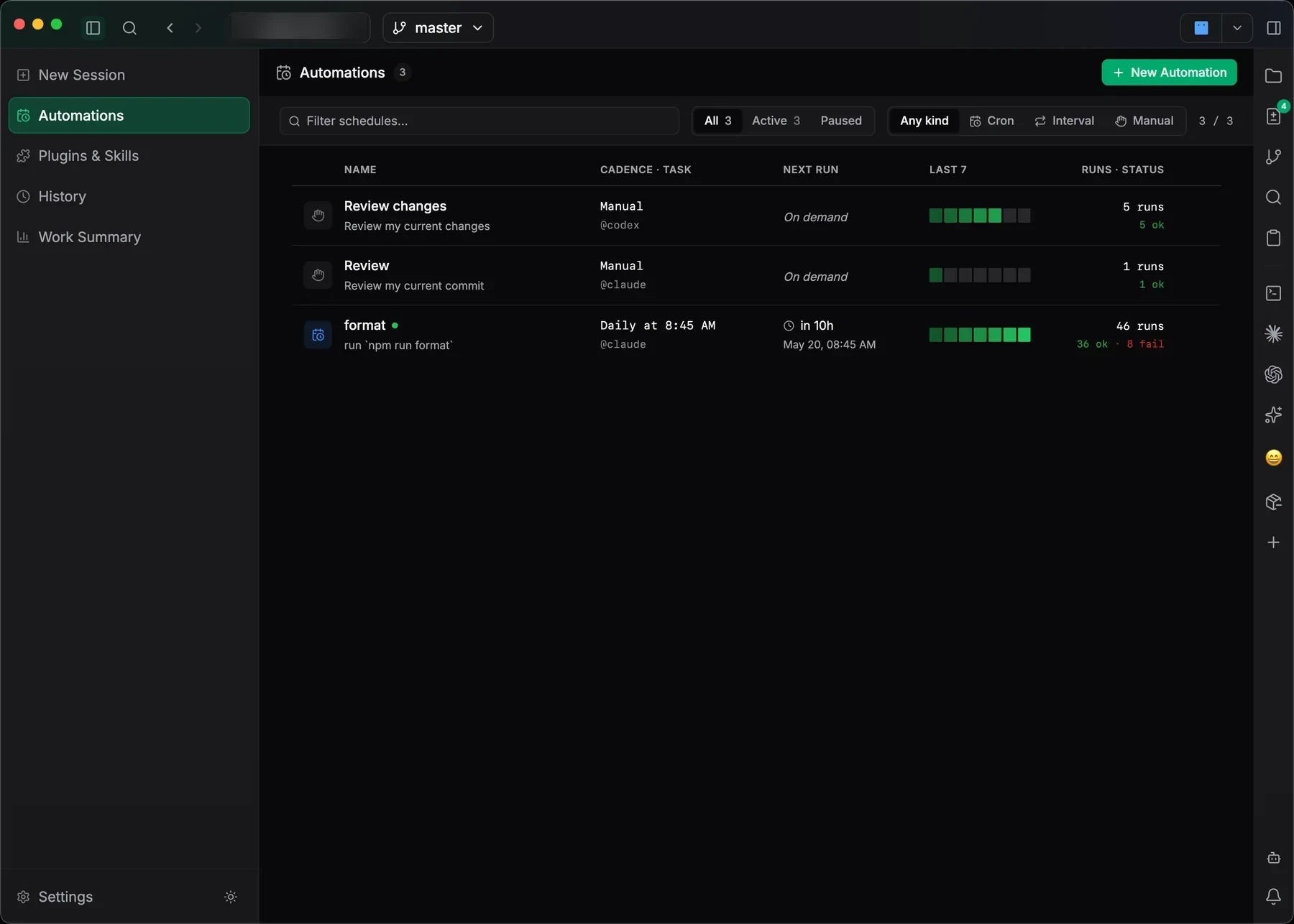
Scheduled agent work
Manual, cron, and interval jobs with next-run times, health blocks, and success history in one table.
Review before commit
Inspect diffs hunk by hunk, compare previous and current image revisions, manage branches and stashes, then stage and commit from the agent’s workspace.
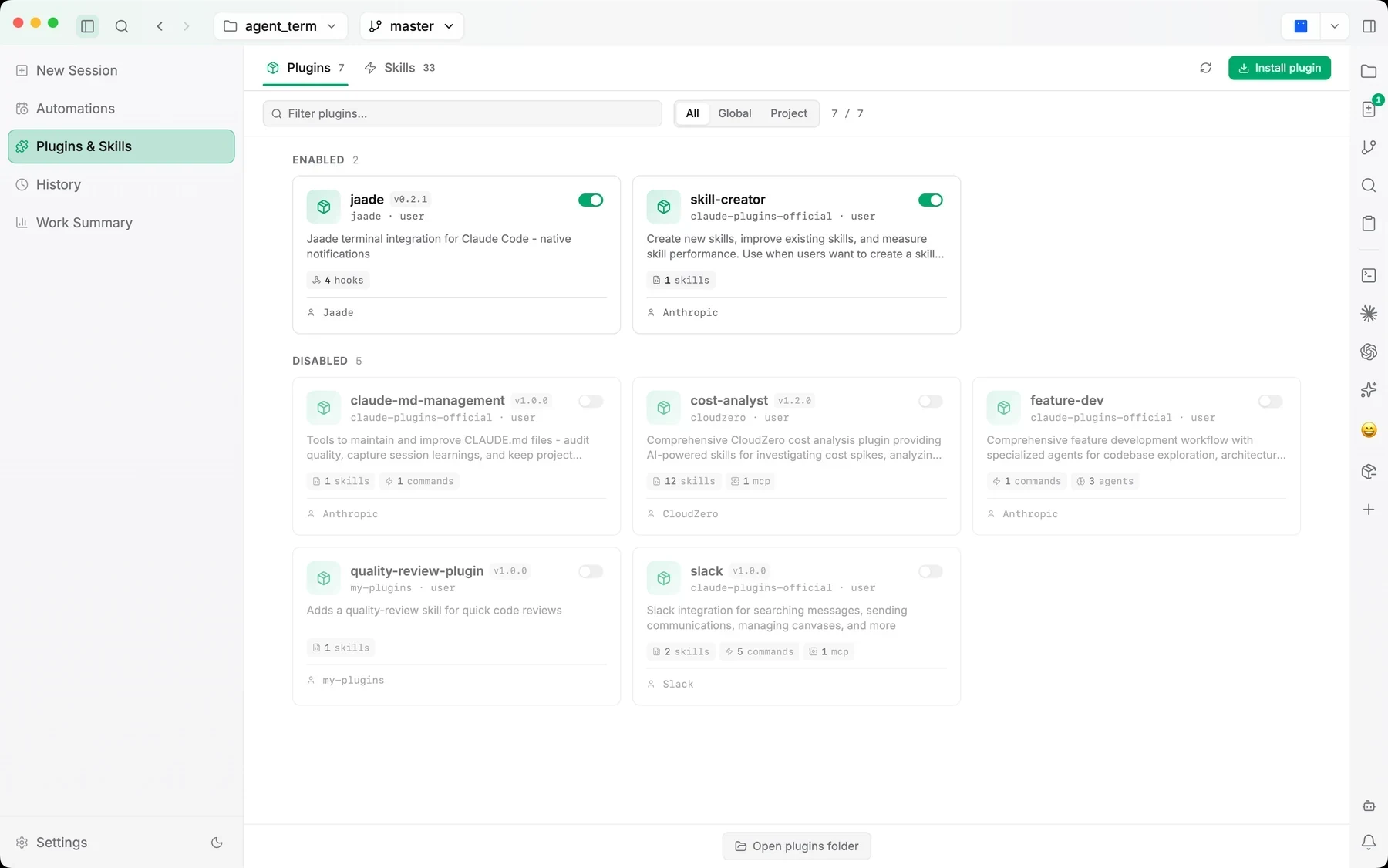
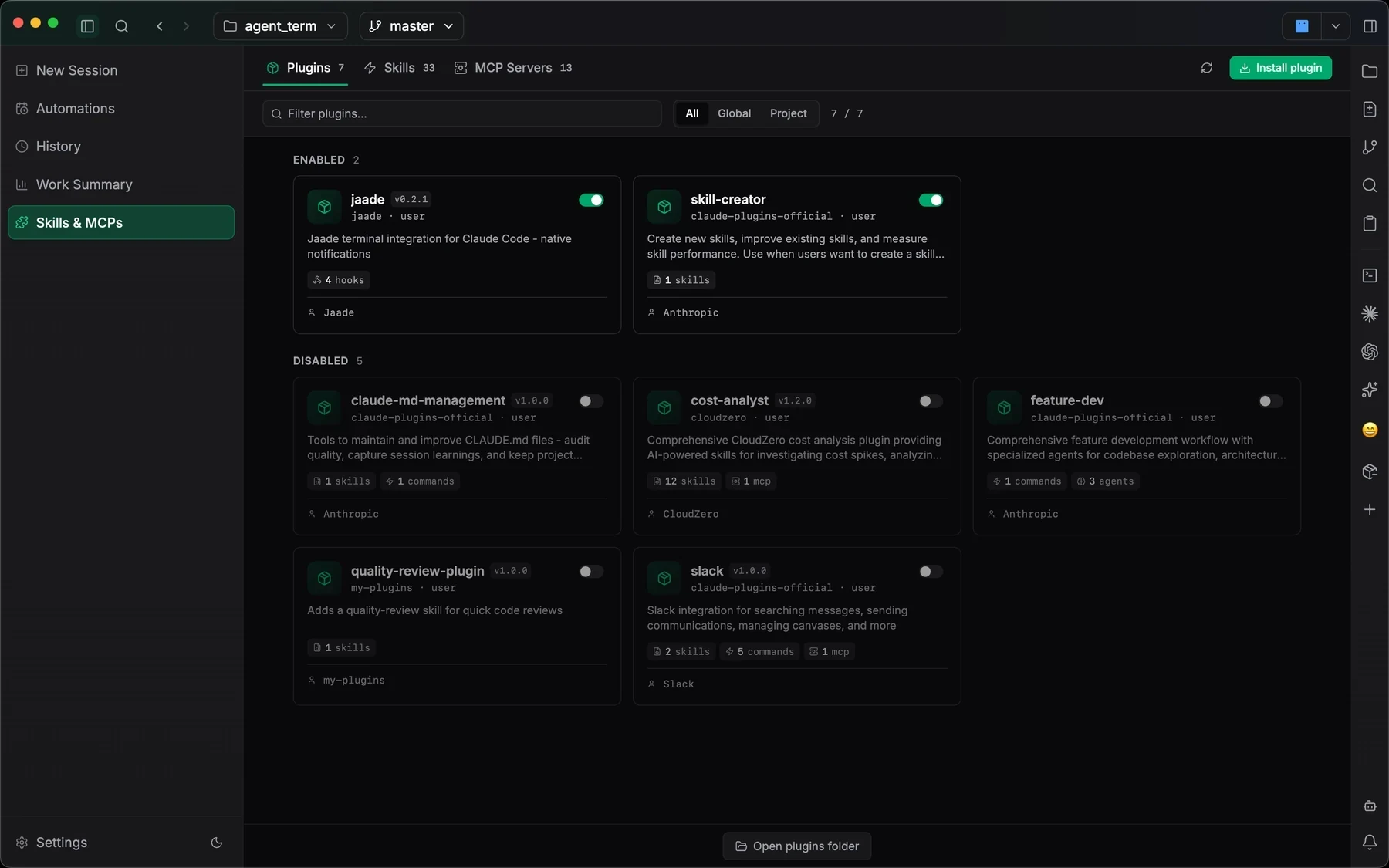
Manage every capability your agents share
Claude plugins, Codex plugins, Agent Skills, and MCP servers — filter, install, enable, and inspect without leaving the workspace.
Turn your workspace into a living wiki.
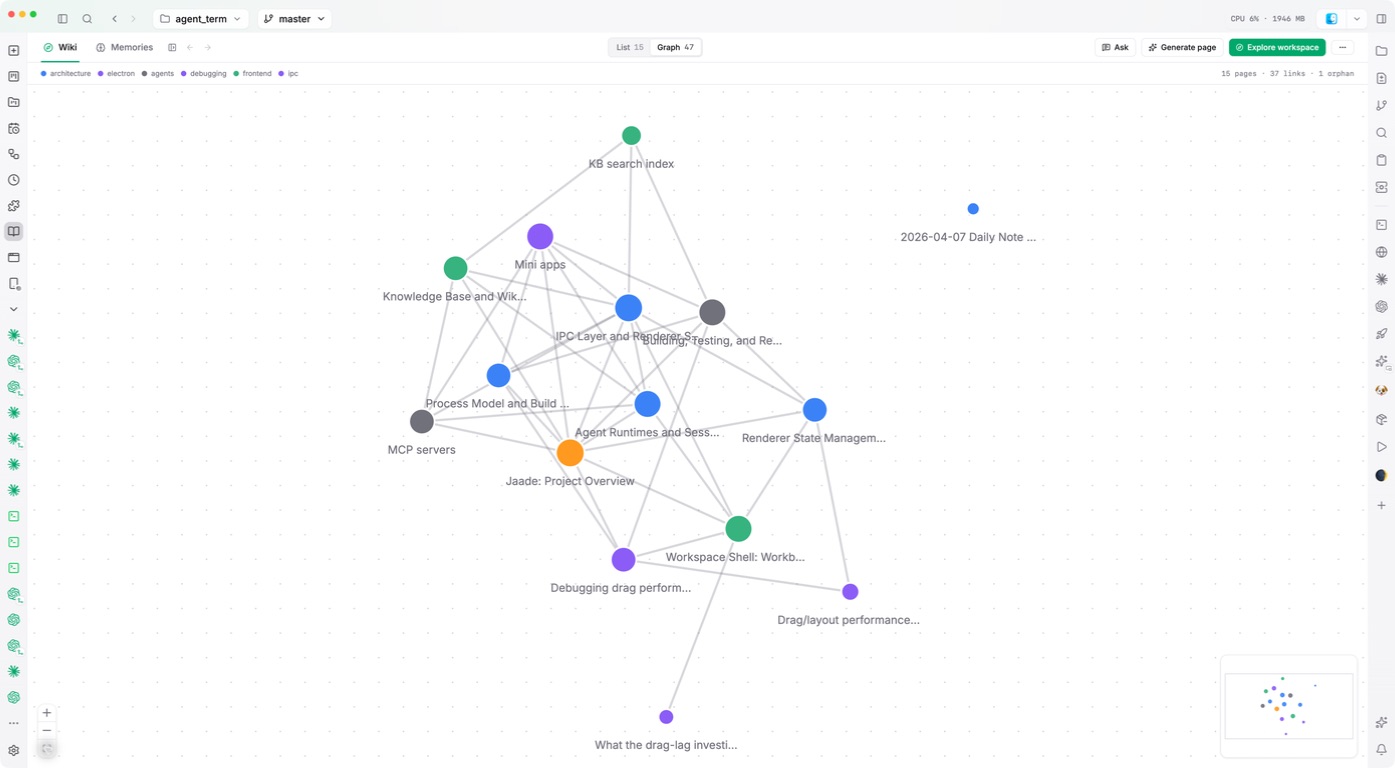
Have an agent explore your workspace and write linked pages about how it works. Keep the explanation close to the code, ask questions, and refine it as the project changes.
Ask the wiki
Get answers from linked workspace pages while keeping the conversation read-only.
Edit by conversation
Use Smart Edit to revise the open page in plain language. Changes save as you go, with Undo in reach.
Explore the connections
Navigate the knowledge graph and search by keyword. Add semantic search with a configured local embedding model.
Chain agents
into workflows.
Workflows turn multi-step agent work into a pipeline you can see: each step runs as a real session, steps waiting on a question flag themselves in the run view, and every run lands in history like any other session. On by default in every install.
A weekly readout
for agent work.
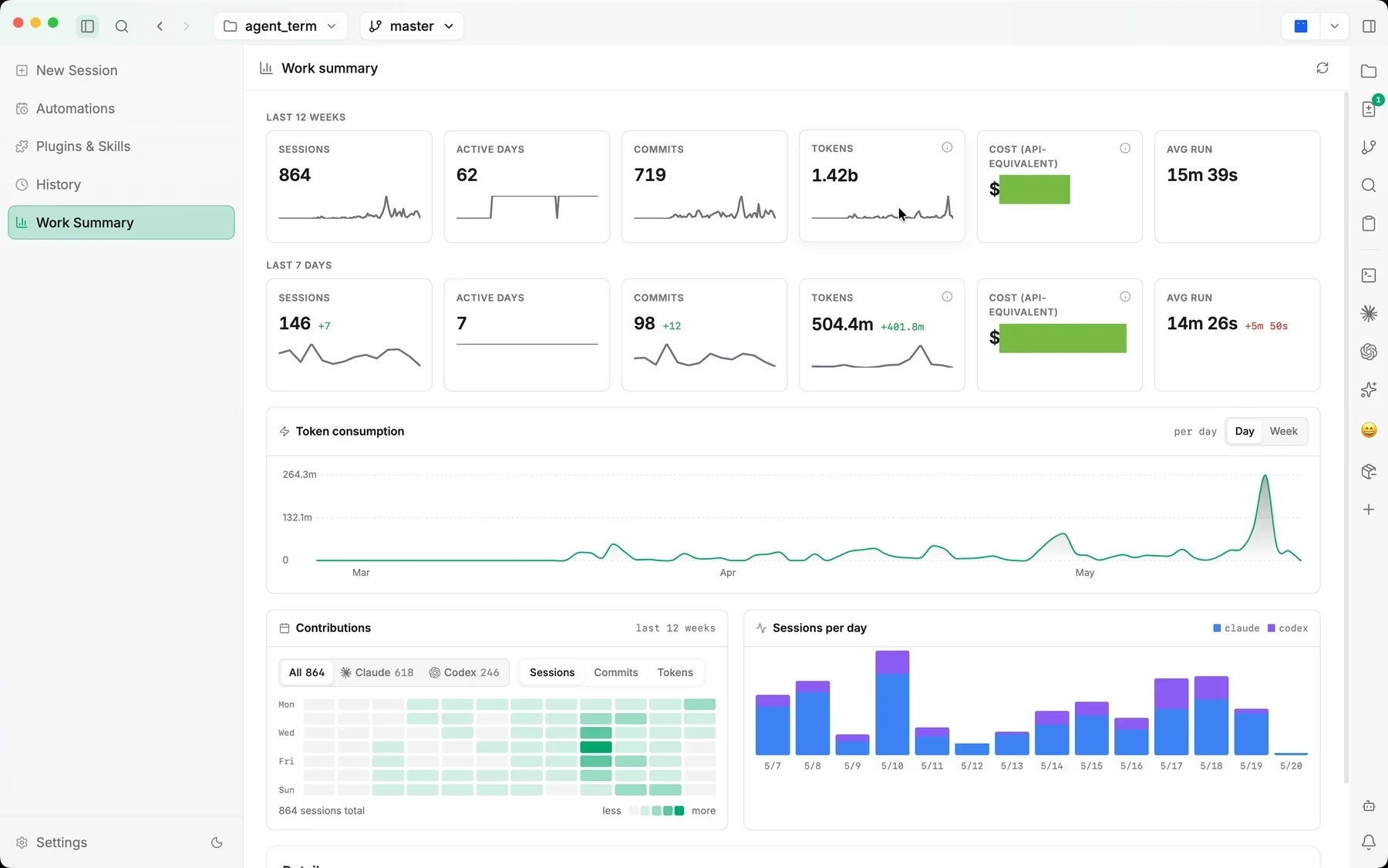
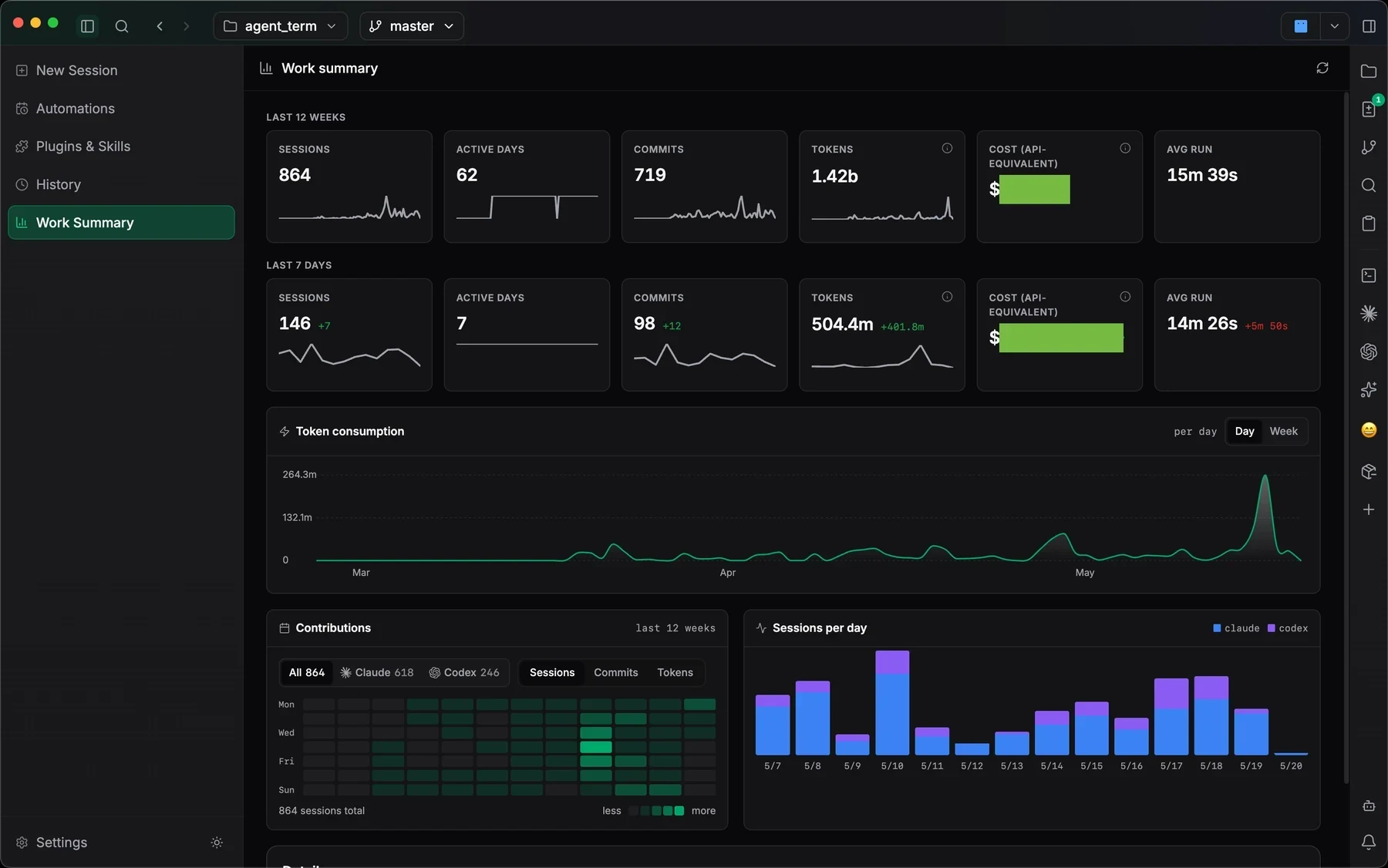
Work Summary turns local session history into a dashboard for sessions, active days, commits, token usage, run duration, contribution heatmaps, and agent activity side by side.
Lighter than an IDE.
Smarter than a terminal.
An agentic development environment (ADE) brings the loop around a delegated run into one workspace. Jaade combines parallel sessions, review, history, workspace knowledge, workflows, and schedules with your existing coding agents.
| Capability | Terminal + CLI agent | IDE + agent plugin | Jaade (ADE) |
|---|---|---|---|
| Parallel agent sessions | Shells or multiplexers | Varies by plugin | Built in |
| Session history & resume | Per-agent commands | Varies by plugin | Built in |
| Diff review beside the run | Separate Git tools | Editor Git tools | Built in |
| Work summaries | Agent output or scripts | Varies by plugin | Built in |
| Workflows & scheduled runs | Scripts and schedulers | Varies by plugin | Built in |
| Plugin, skill & MCP catalog | Per-agent configuration | Varies by plugin | Built in |
| Terminals & files beside agents | Shell and editor setup | Editor tools | Built in |
| Session permissions & plan mode | Per-agent controls | Varies by plugin | Built in |
| One UI across supported agents | Per-agent interfaces | Varies by plugin | Built in |
| Local workspace, your own credentials | Per-agent setup | Varies by plugin | Built in |
The category, the agents,
and the work around them.
An agentic development environment
for developers staying in control.
- Runs entirely on your machine — no cloud relay in the loop
- Uses your own agent CLIs, subscriptions, and API keys
- Prompts, modes, diffs, and transcripts stay inspectable
Agent work breaks down when the task, terminal, files, diffs, and history live in different places. Jaade is an AI ADE that makes the workspace the organizing unit: every agent run, terminal, browser tab, workflow, scheduled job, project, memory, file, diff, plugin, skill, and MCP server stays together.
Agents can plan, edit, run, drive Chrome or the desktop when you allow it, and work on workflows, schedules, or project task graphs, but the loop remains inspectable: prompts, modes, transcripts, file references, changes, summaries, and reviews remain visible inside the IDE.
Questions
about Jaade.
What is Jaade?
Jaade — Just Another Agentic Development Environment — is an AI ADE: a local desktop app for running Claude Code and Codex agents. Sessions, terminals, files, diffs, history, workflows, schedules, plugins, and skills live together in one workspace.
What is an AI ADE?
An AI ADE (agentic development environment) is a workspace built around AI coding agents rather than a text editor: you delegate work to agents like Claude Code and Codex, then oversee sessions, diffs, terminals, and history. Jaade is an AI ADE for macOS.
Can Jaade run coding agents in parallel?
Yes. Jaade is a parallel agent workspace: each run is a separate session with its own transcript, branch context, changed files, and summary, so several Claude Code, Codex, OpenCode, or Cursor agents can work at the same time without their output interleaving.
Is Jaade a GUI for Claude Code?
Jaade is a Claude Code GUI among other things. It runs the real Claude Code CLI and adds a desktop interface around it: model, effort, and permission controls before the run, a readable transcript and tool activity during it, and diffs plus resumable history afterward.
Which agents does Jaade support?
Claude Code and Codex are first-class, with OpenCode and Cursor available as experimental agents and Pi as a built-in bring-your-own-provider agent. You start each agent with the right model, effort, permission mode, and plan mode, then steer it from the same workspace.
Is Jaade a cloud service?
No. Jaade is a local desktop app, so your workspace, files, and agent runs stay on your machine.
Can I review and resume agent work?
Yes. Prompts, modes, transcripts, diffs, workflows, and schedules stay inspectable, and every past session reopens exactly as it ran with its prompt, model, branch, and changed files.
What are Jaade Workflows?
Workflows chain multiple agent steps into an automated pipeline: approval steps that branch, a Wait Until step for async work like CI runs, and runs you can start, watch, and stop from the workflow list. You can build one by describing it in plain language, and workflows are shared across your workspaces by default.
Does Jaade have a built-in assistant?
Yes. Jaade Bot answers workspace questions and proposes actions like building workflows, and it can run on your own provider and model — you pick which one answers.
How do I get Jaade?
Download the macOS app from this site and open a workspace to start running agents.
Open a workspace.
Keep every session visible.
Jaade is a local Agentic IDE for Claude Code, Codex, OpenCode, Cursor, and Pi. Run agents and terminals, chain them into workflows, coordinate projects, schedule prompts, review diffs, and keep history, memory, plugins, skills, MCPs, and summaries in one workspace.